Turn messy work
into clear pages.
Quire is a WordPress theme for freelance designers and small studios. Your projects lie like prints on a work table, then settle into clear work.




20
Home pages, each with its own opening and order of widgets
65
Elementor widgets in one "Quire" panel
5
Palette presets, plus your own colors
5
Font pairings. The default one loads from your site
0
Plugins to buy. Elementor, WooCommerce, and Contact Form 7 are free
Home pages
Twenty home pages. One demo.
Each home page is an Elementor page built only from Quire widgets, with its own opening and its own focus: identity, photo, spaces, product, a shop, a studio of one, and more.
Import the demo, then pick one in Settings > Reading. Each picture opens the page on the live demo.
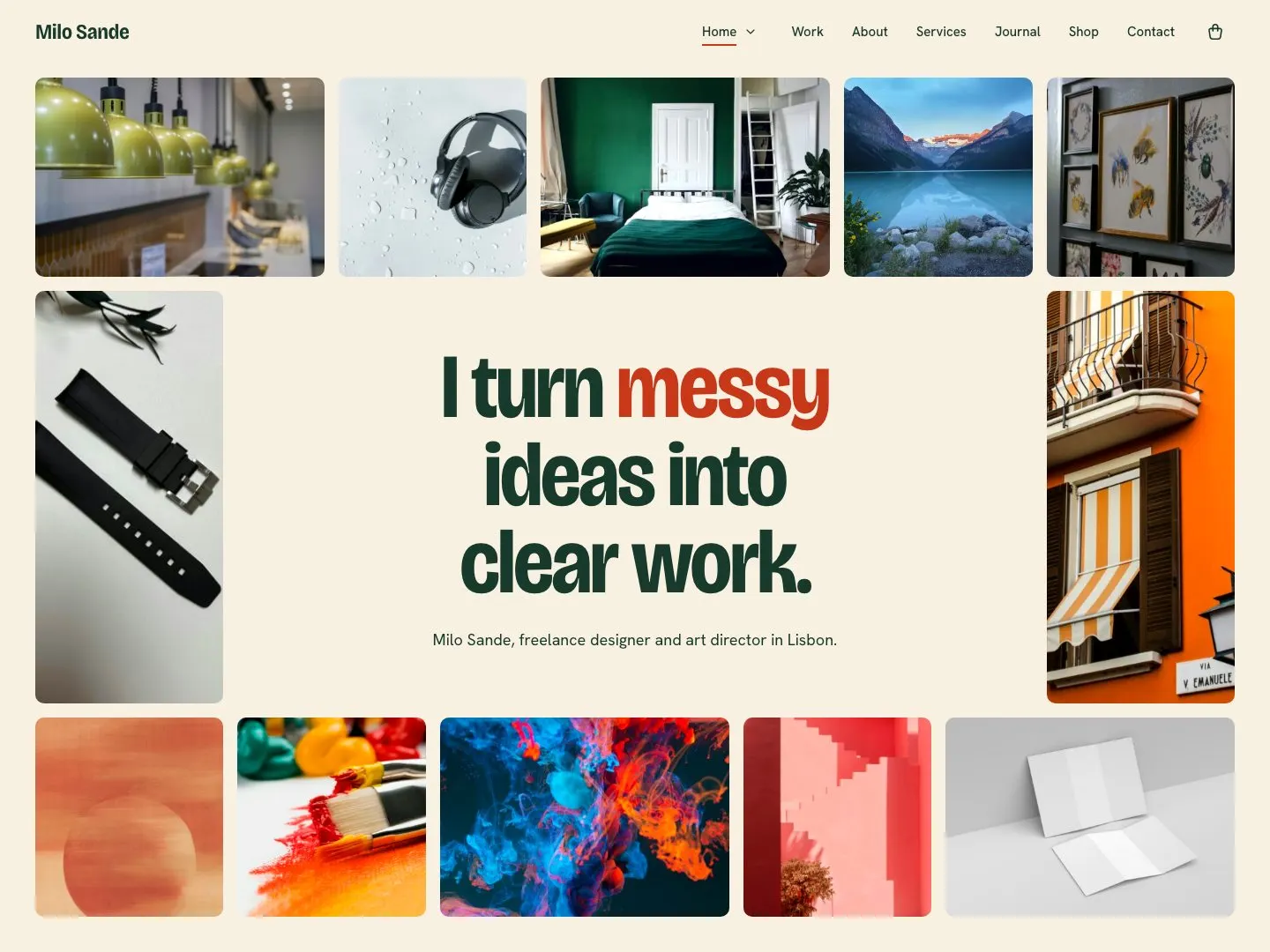
Table (opens the demo in a new tab)
The design concept: loose prints settle around the headline, then zoom into the work.
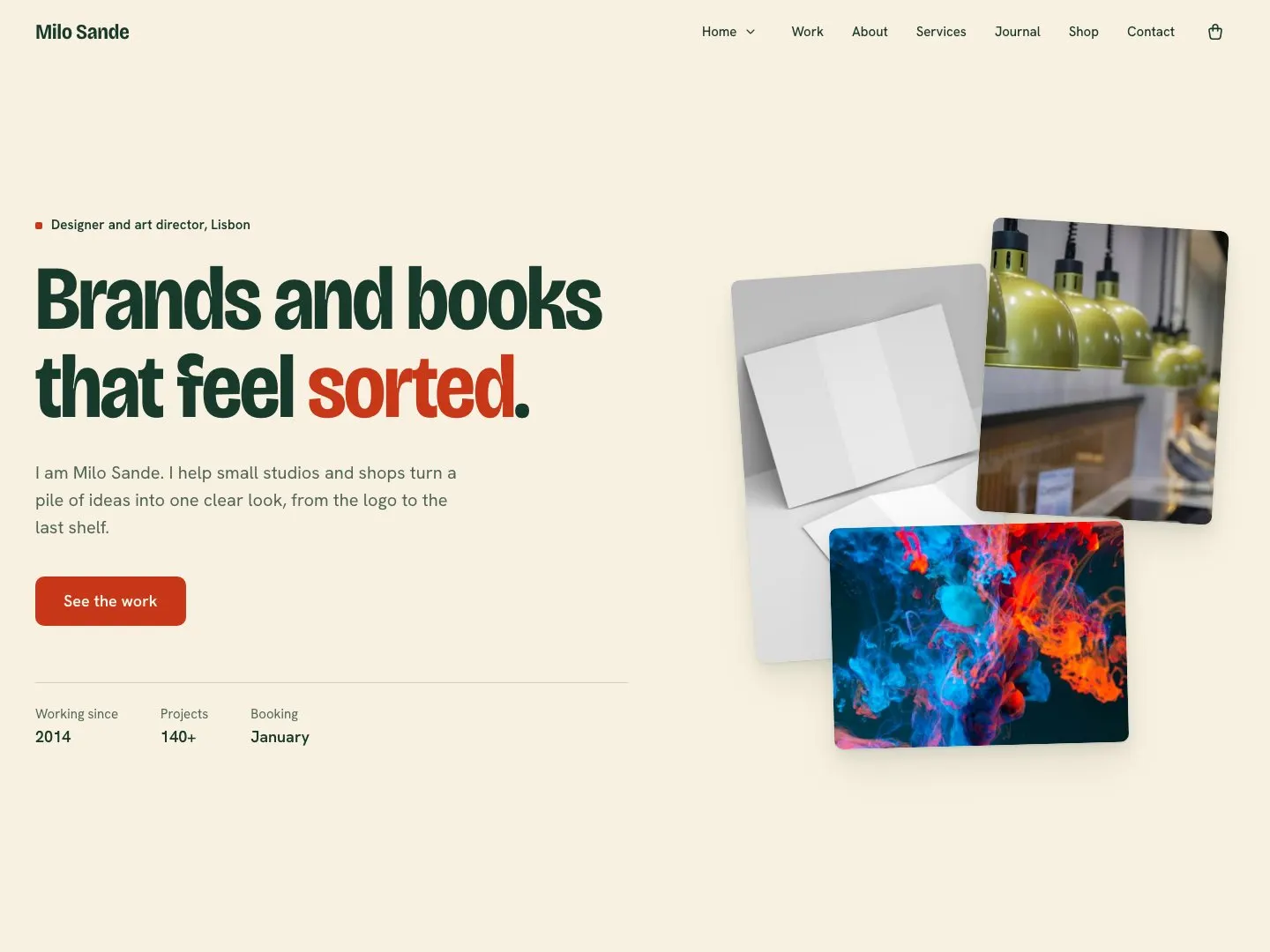
Split (opens the demo in a new tab)
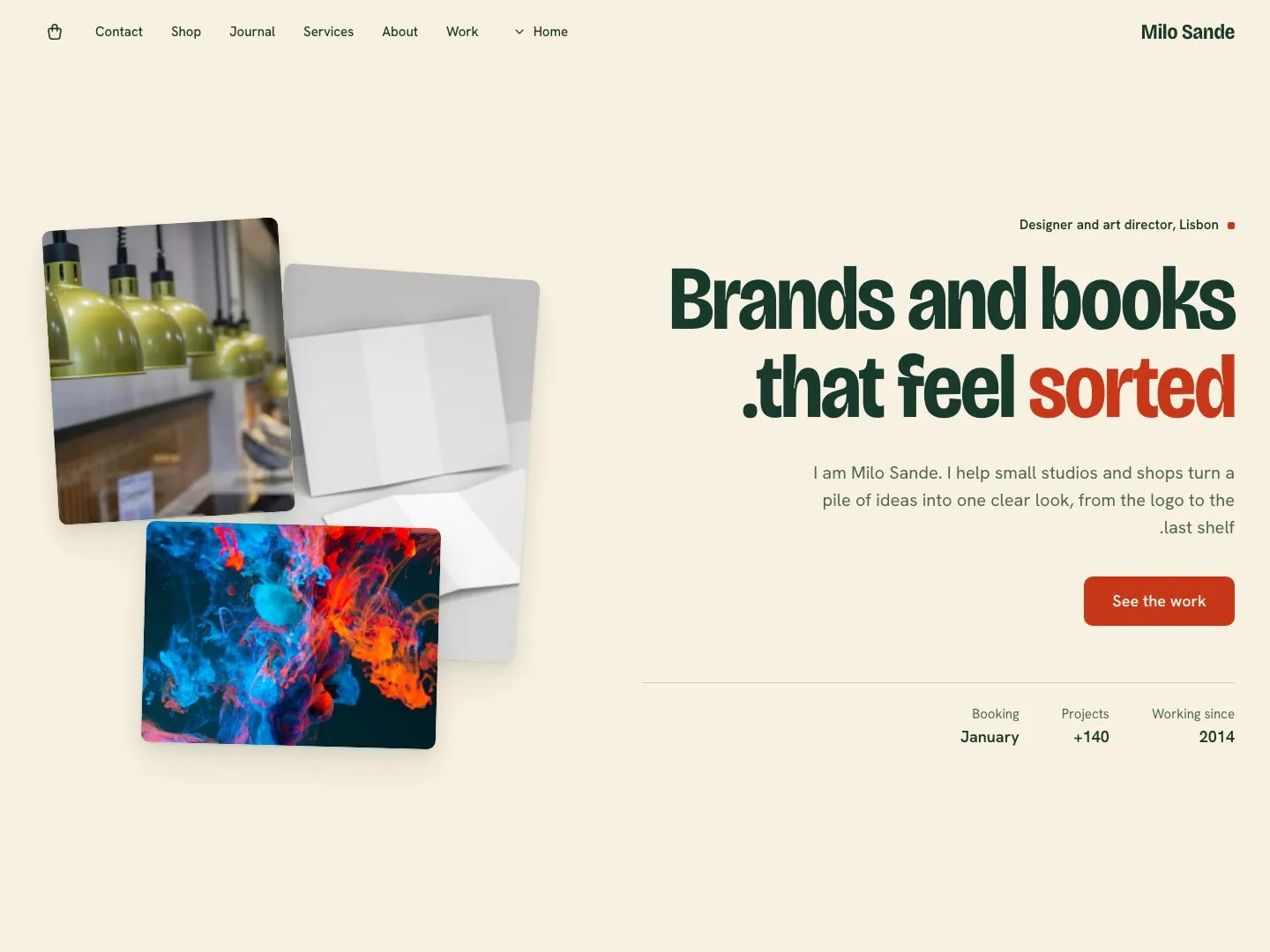
Brand and book design: the headline on one half, a stack of prints on the other.
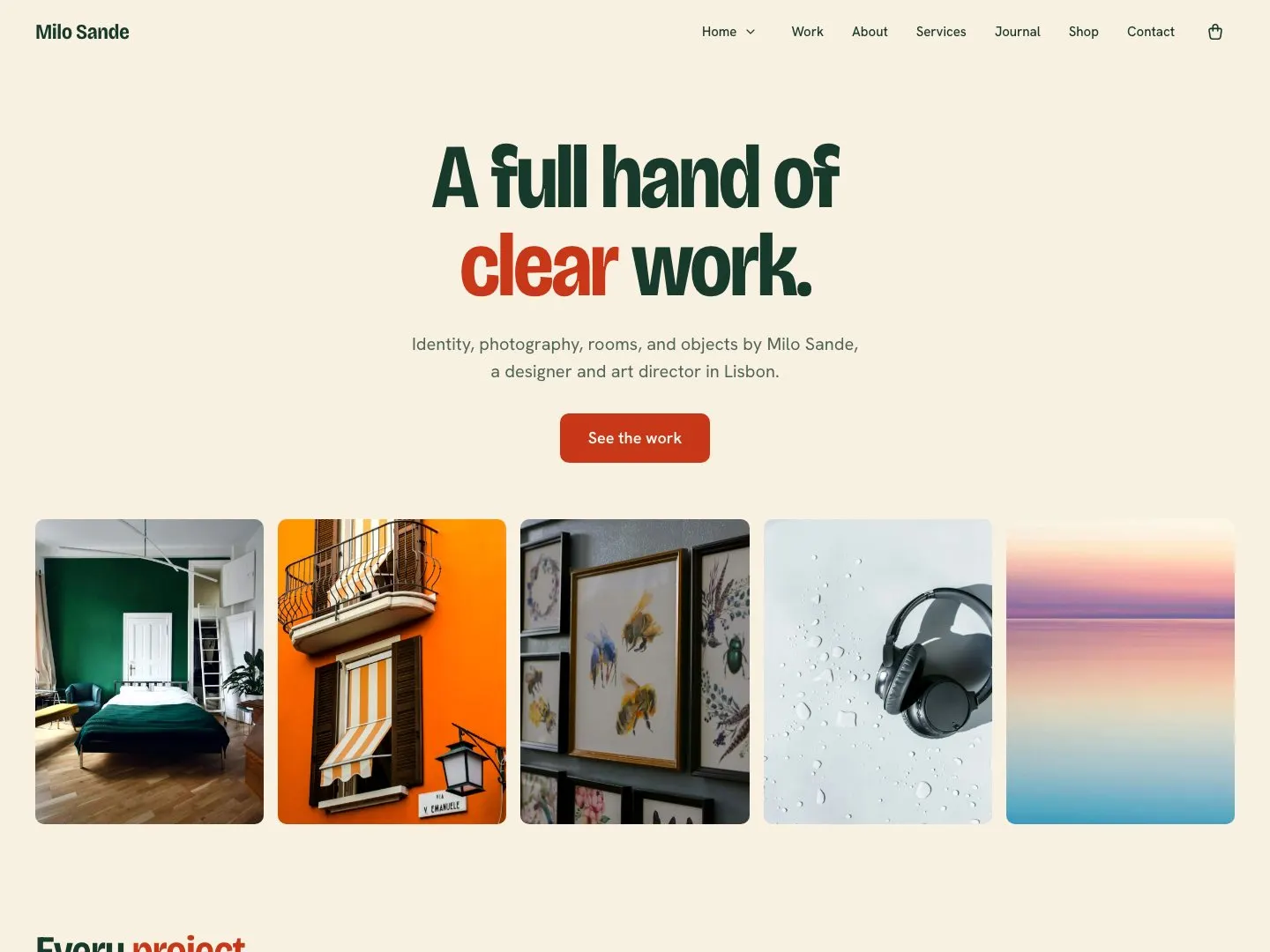
Deck (opens the demo in a new tab)
All the work, opened like a hand of cards.
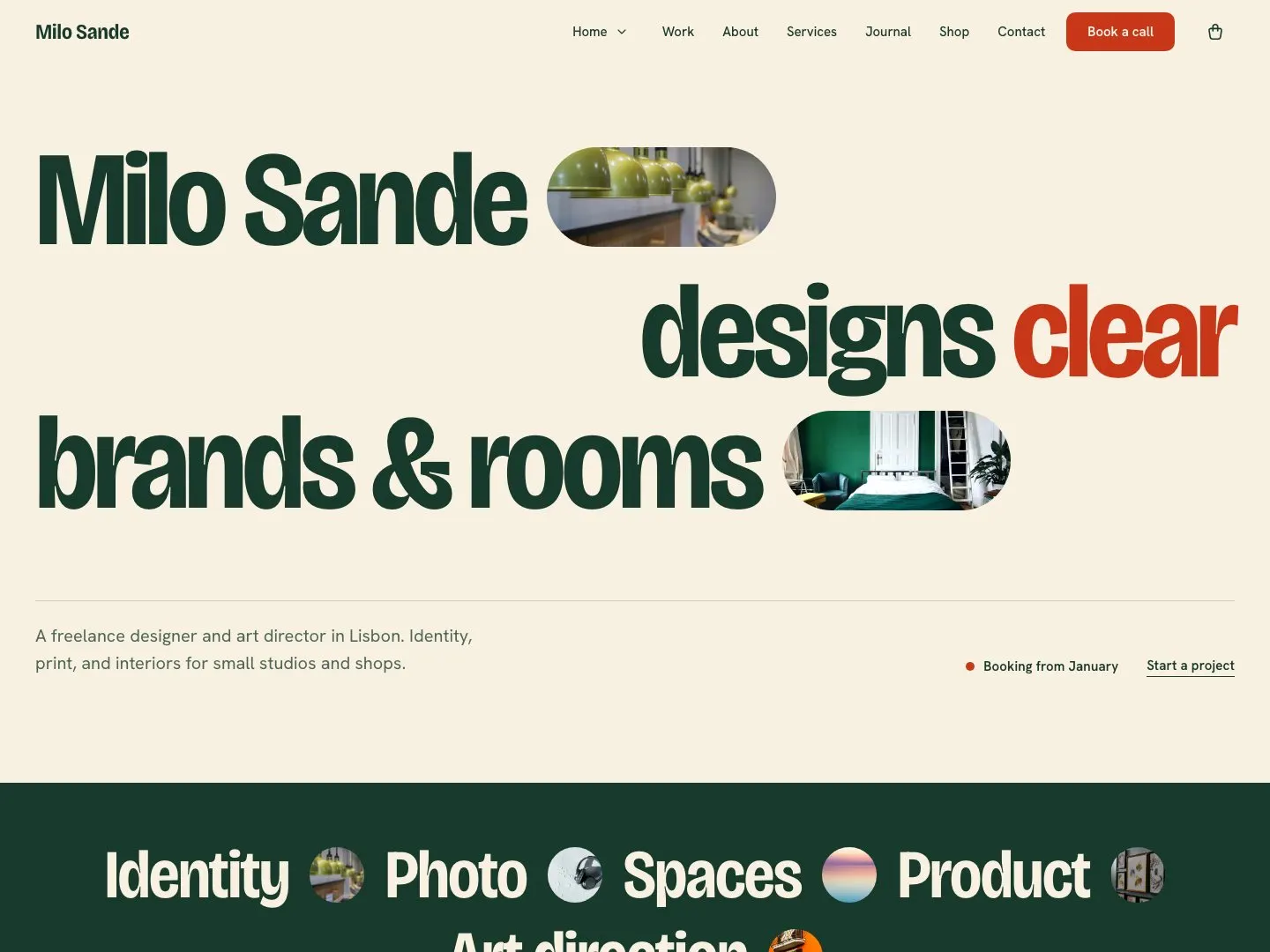
Type (opens the demo in a new tab)
Large type with prints set between the words.
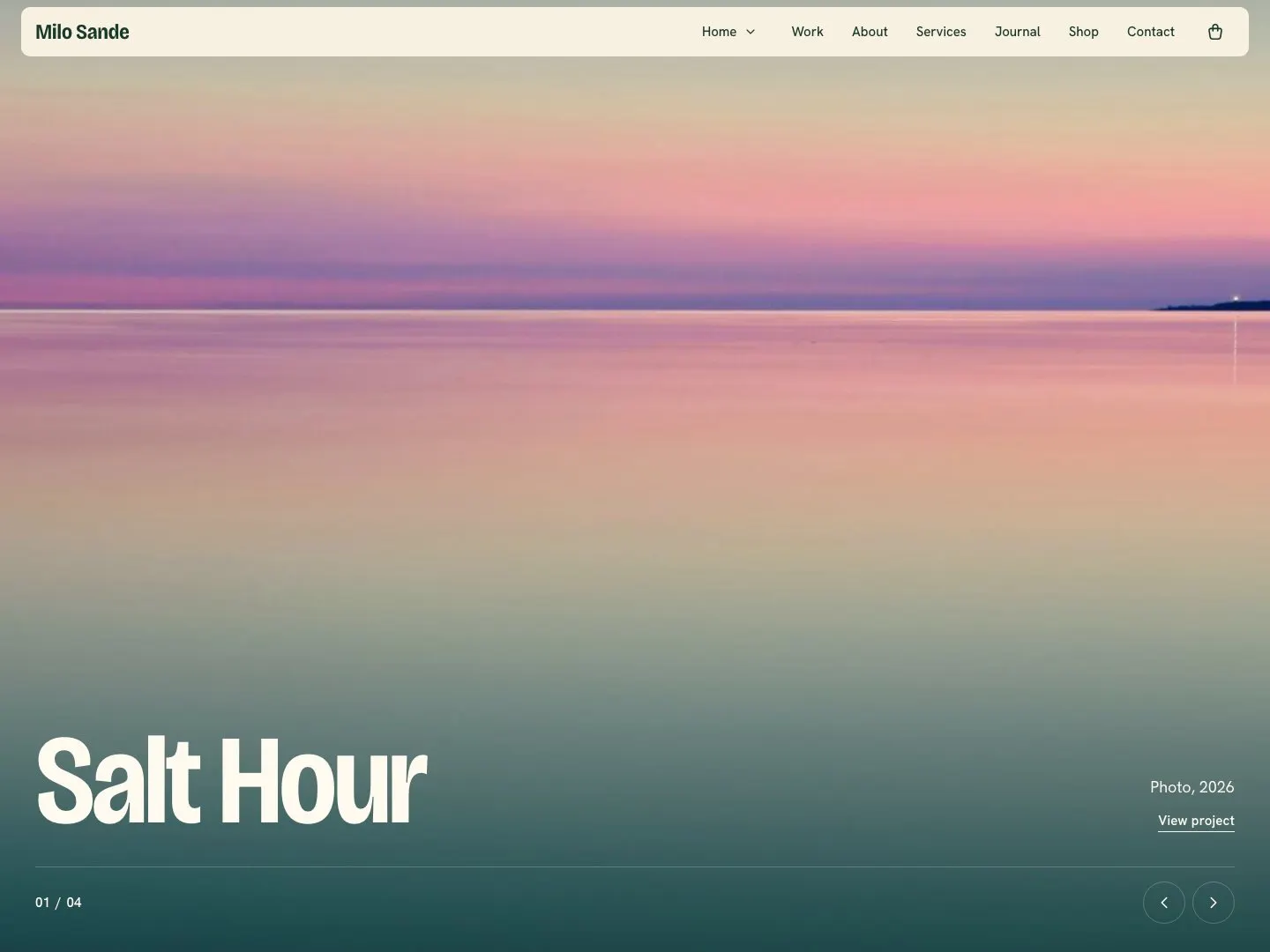
Slides (opens the demo in a new tab)
Projects as full-screen slides, one at a time.
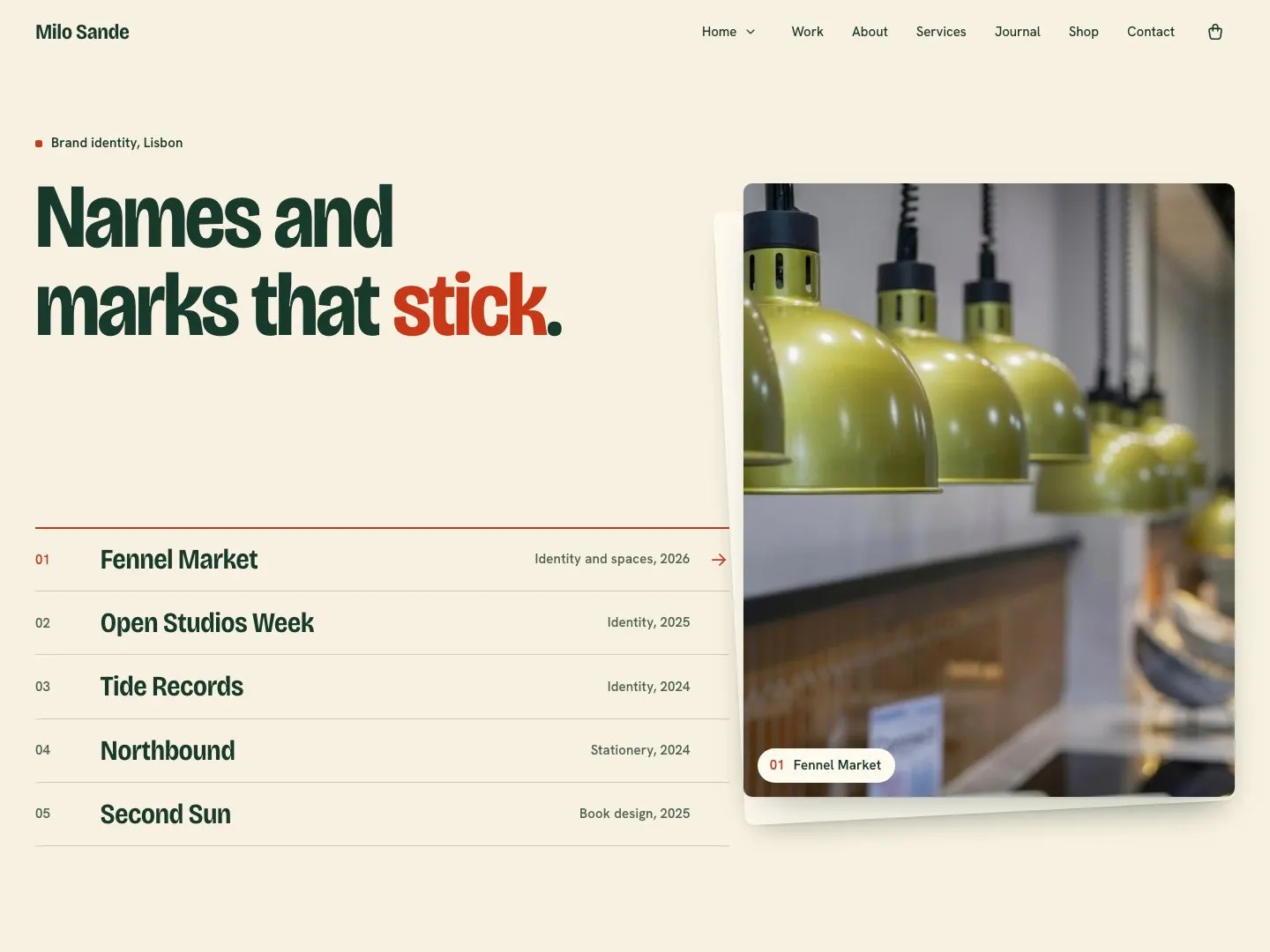
Identity (opens the demo in a new tab)
Brand identity: names, marks, colors, and type.
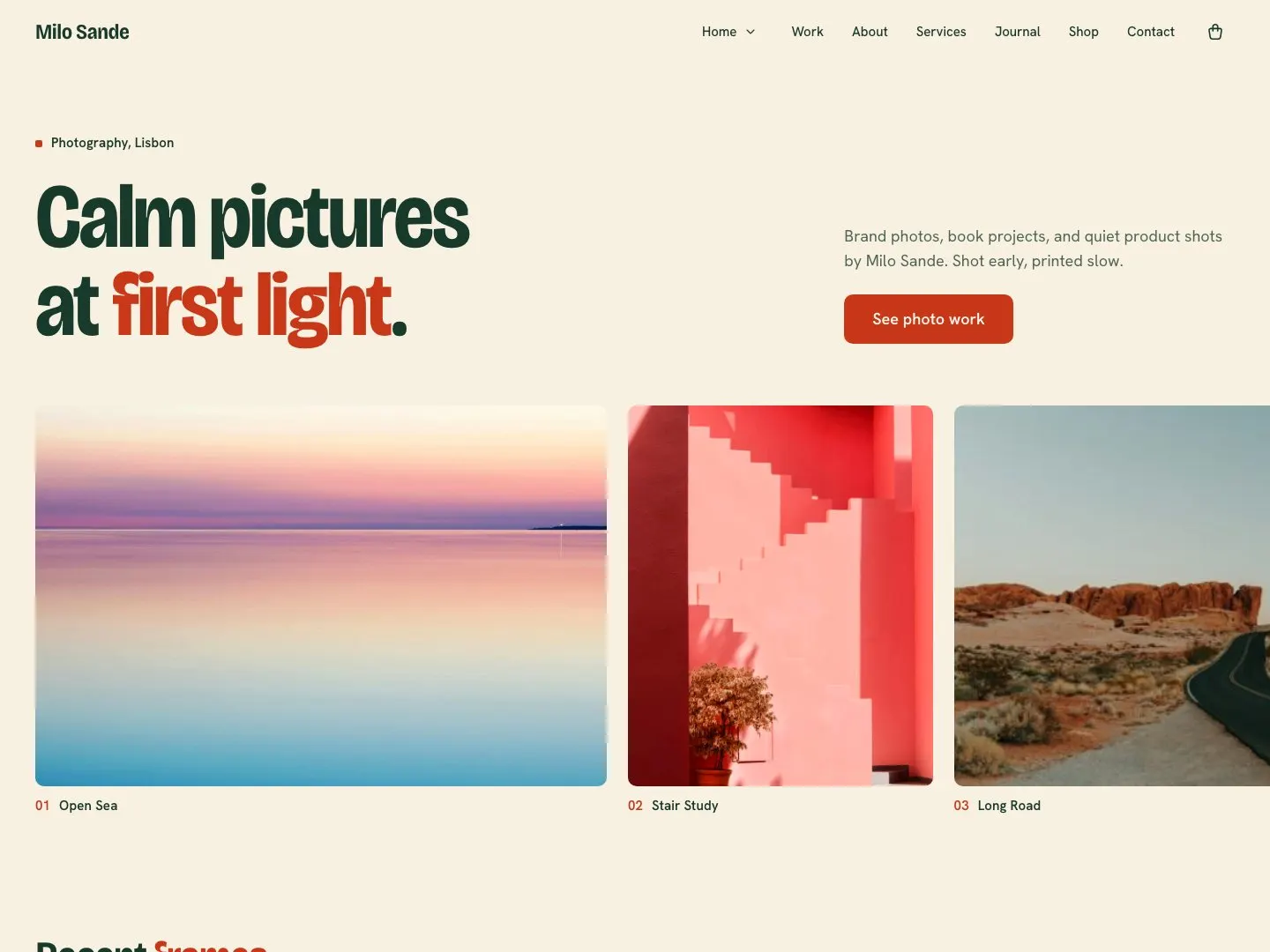
Photo (opens the demo in a new tab)
Photography: a strip of photos, a gallery, and a contact sheet.
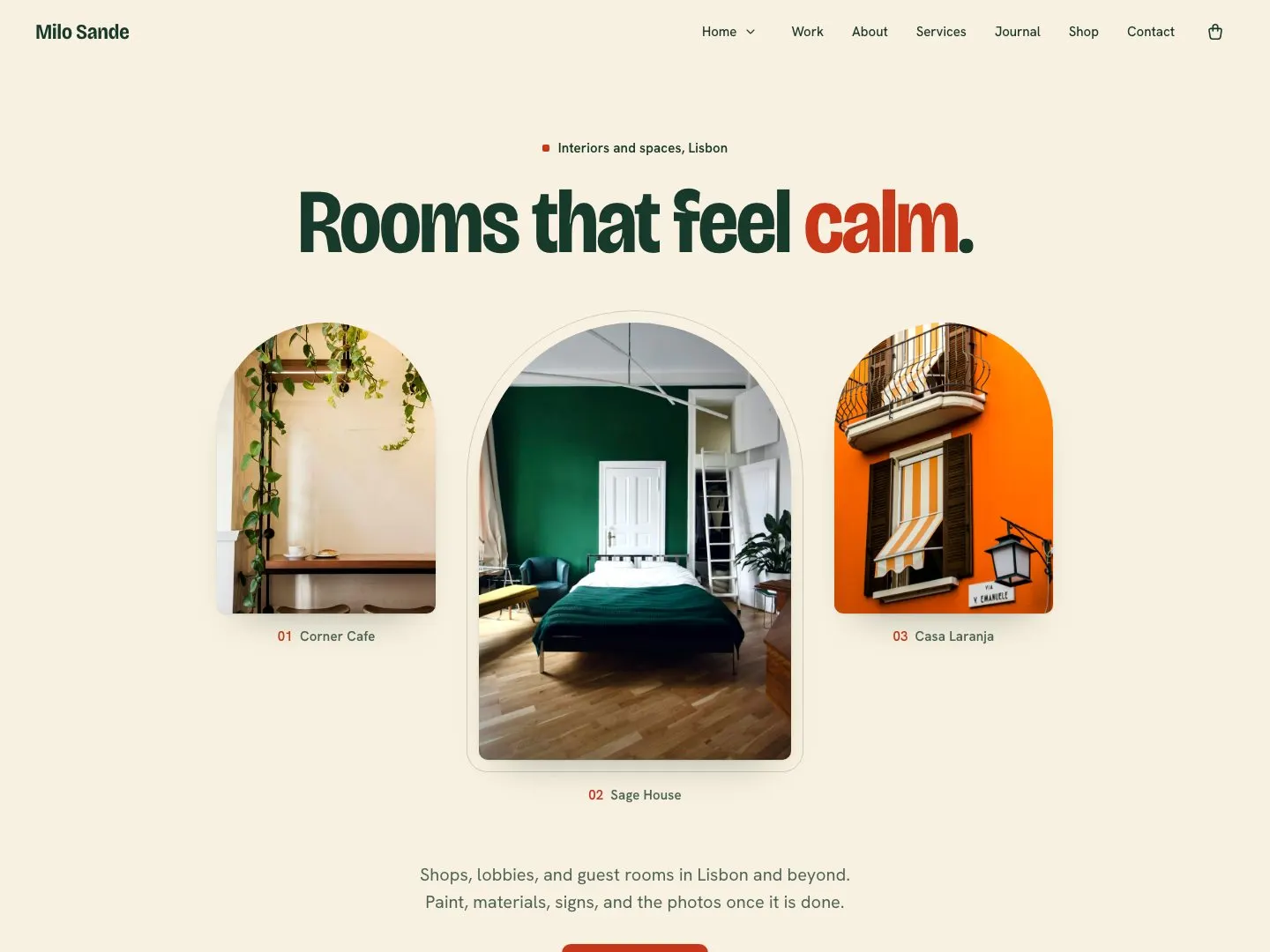
Spaces (opens the demo in a new tab)
Interiors and buildings, with prints in arched frames.
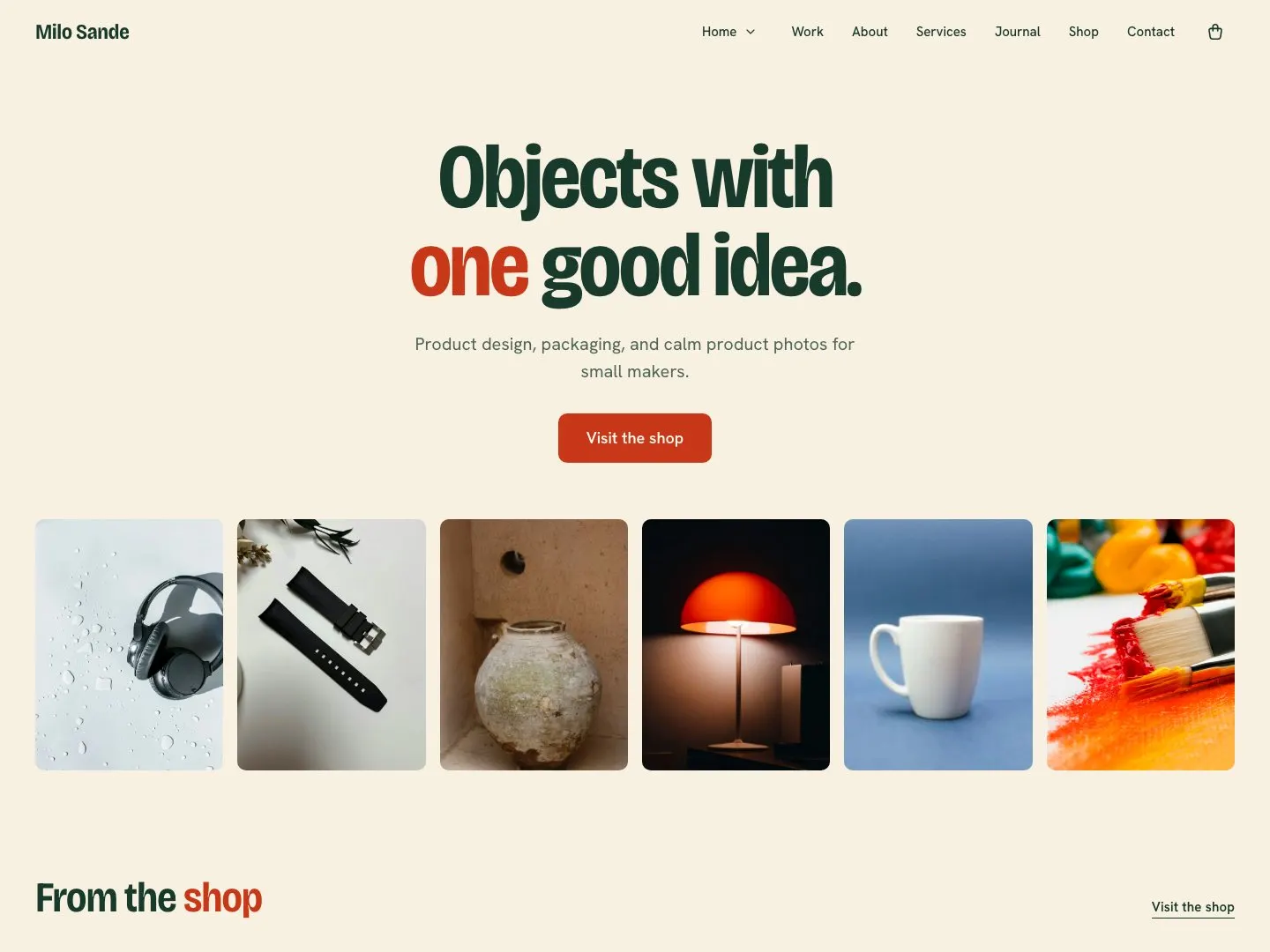
Product (opens the demo in a new tab)
Product design and packaging, with products from the shop.
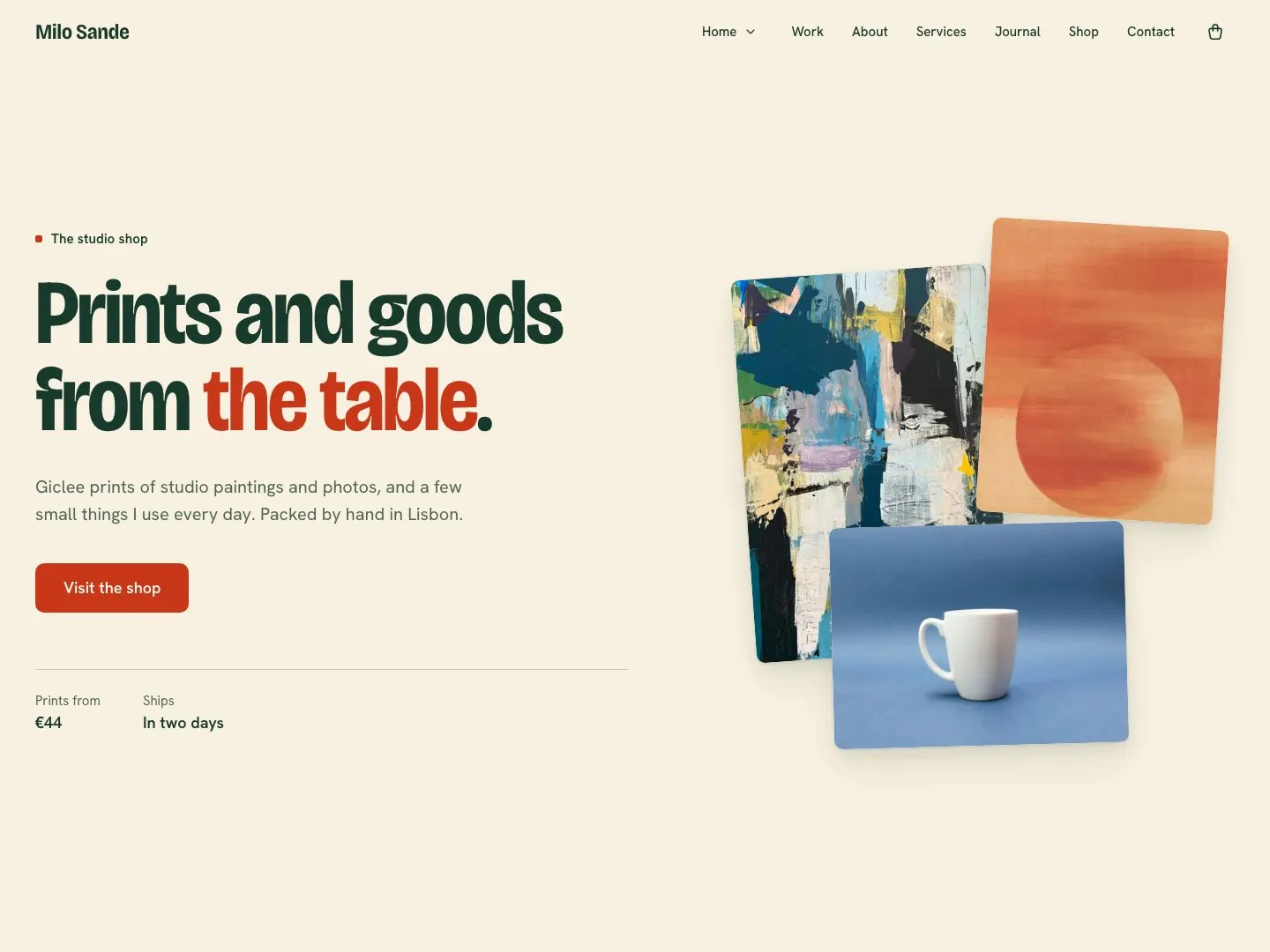
Shop (opens the demo in a new tab)
The studio shop: prints and goods for sale.
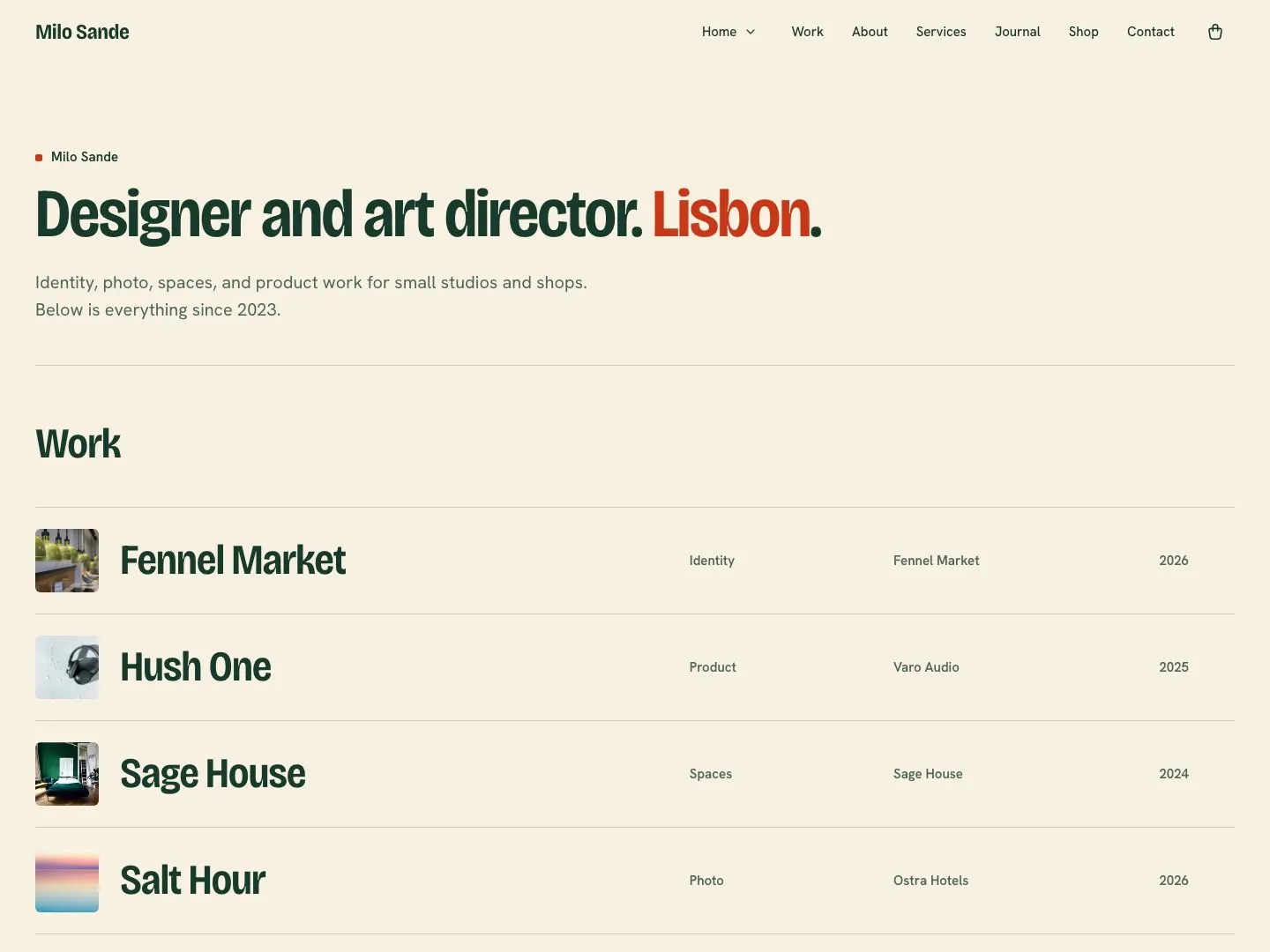
Quiet (opens the demo in a new tab)
A plain, text-first page with few images.
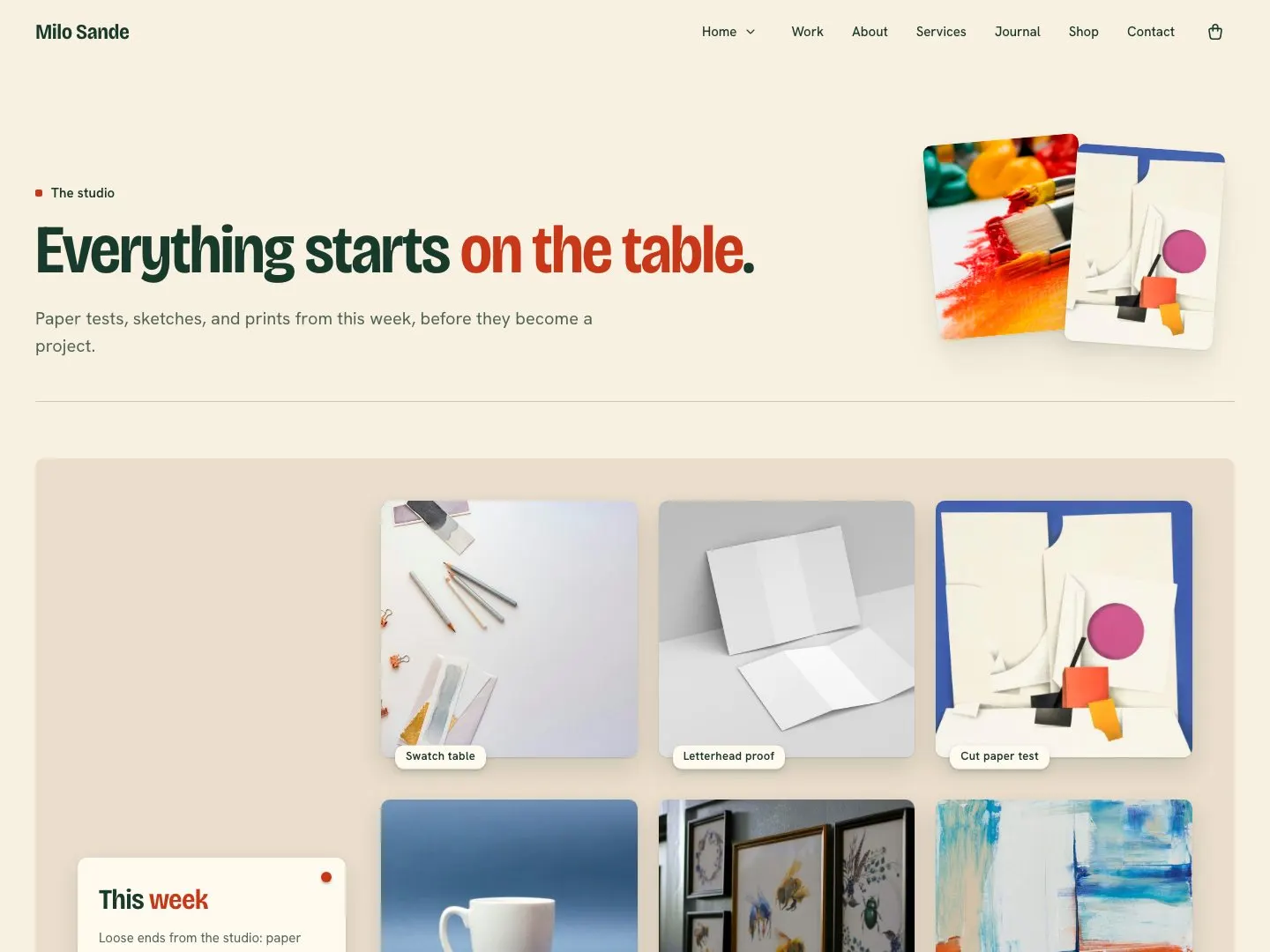
Pinboard (opens the demo in a new tab)
The studio at work: paper tests and sketches pinned to a board.
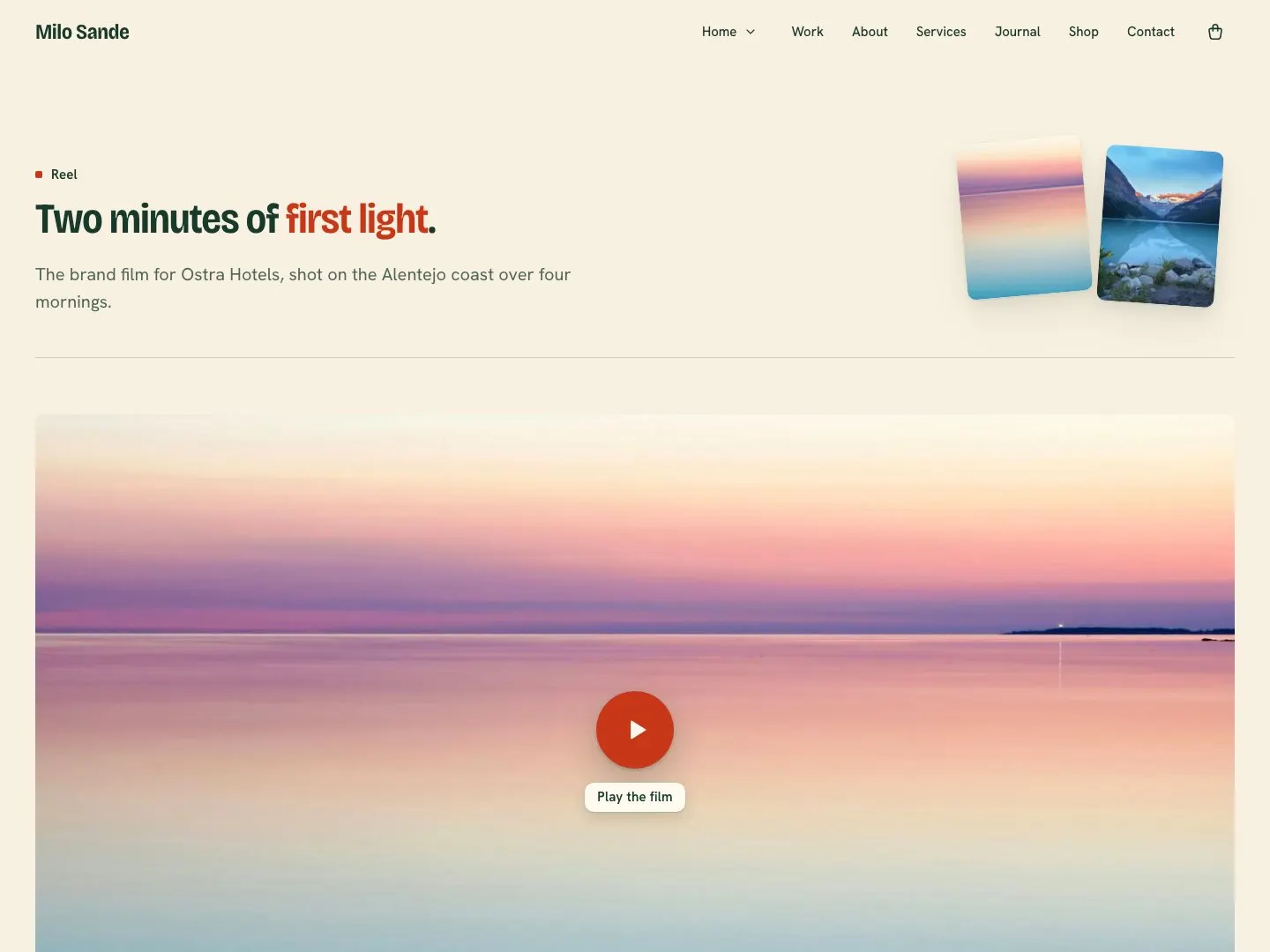
Reel (opens the demo in a new tab)
Film: a brand film on top, then frames from it.
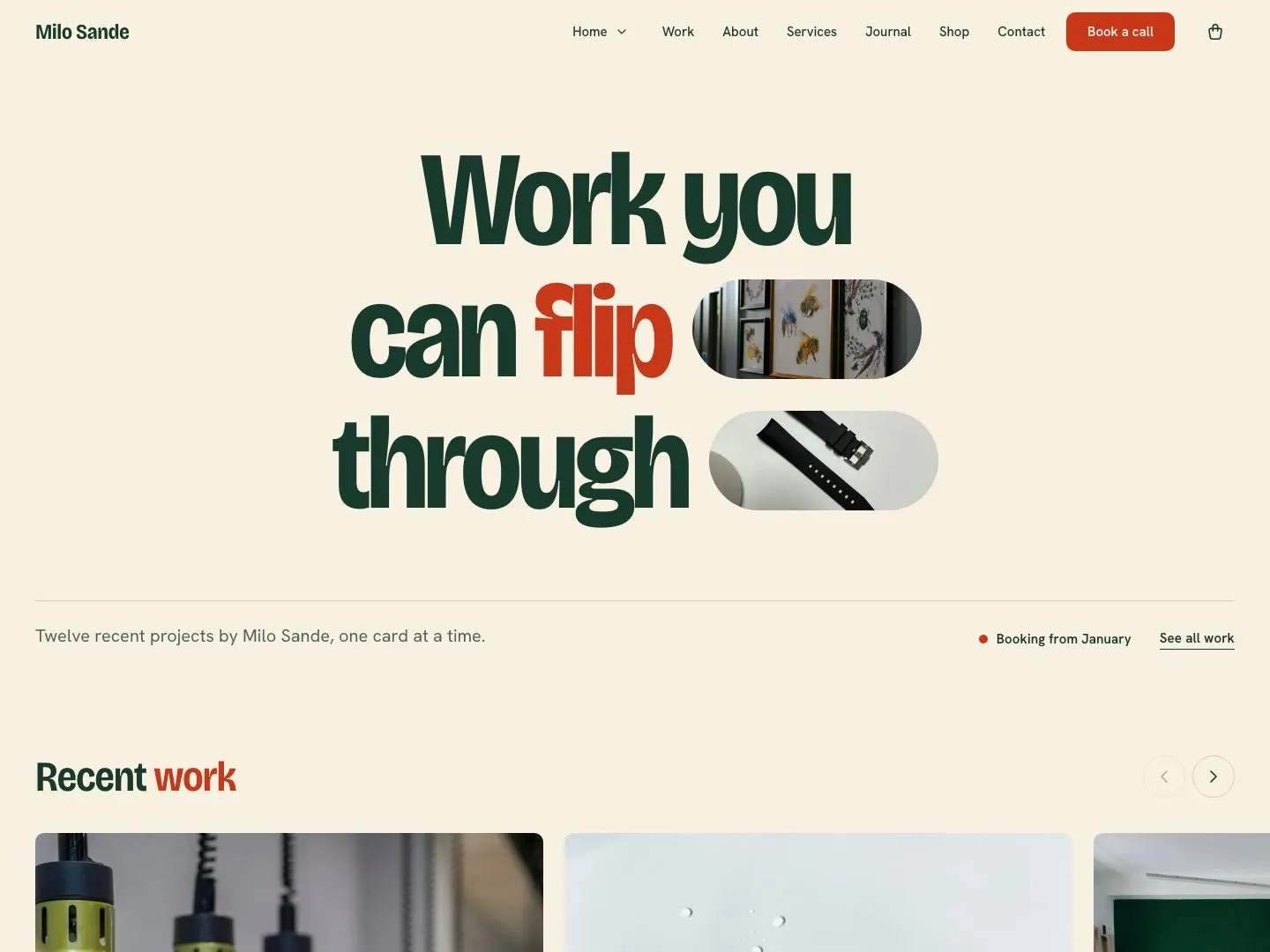
Carousel (opens the demo in a new tab)
Recent work, one card at a time.
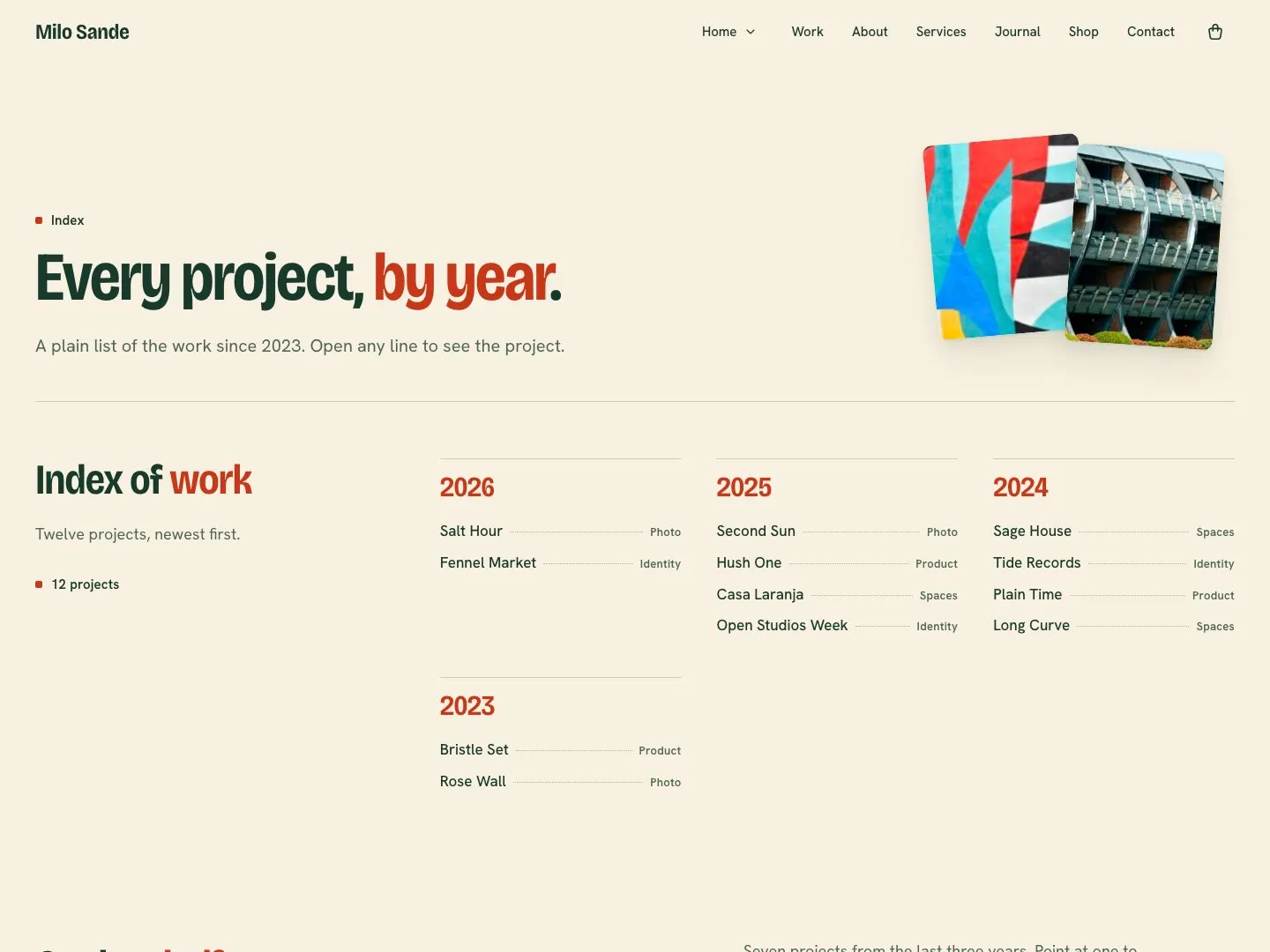
Index (opens the demo in a new tab)
Every project in a plain index, grouped by year.
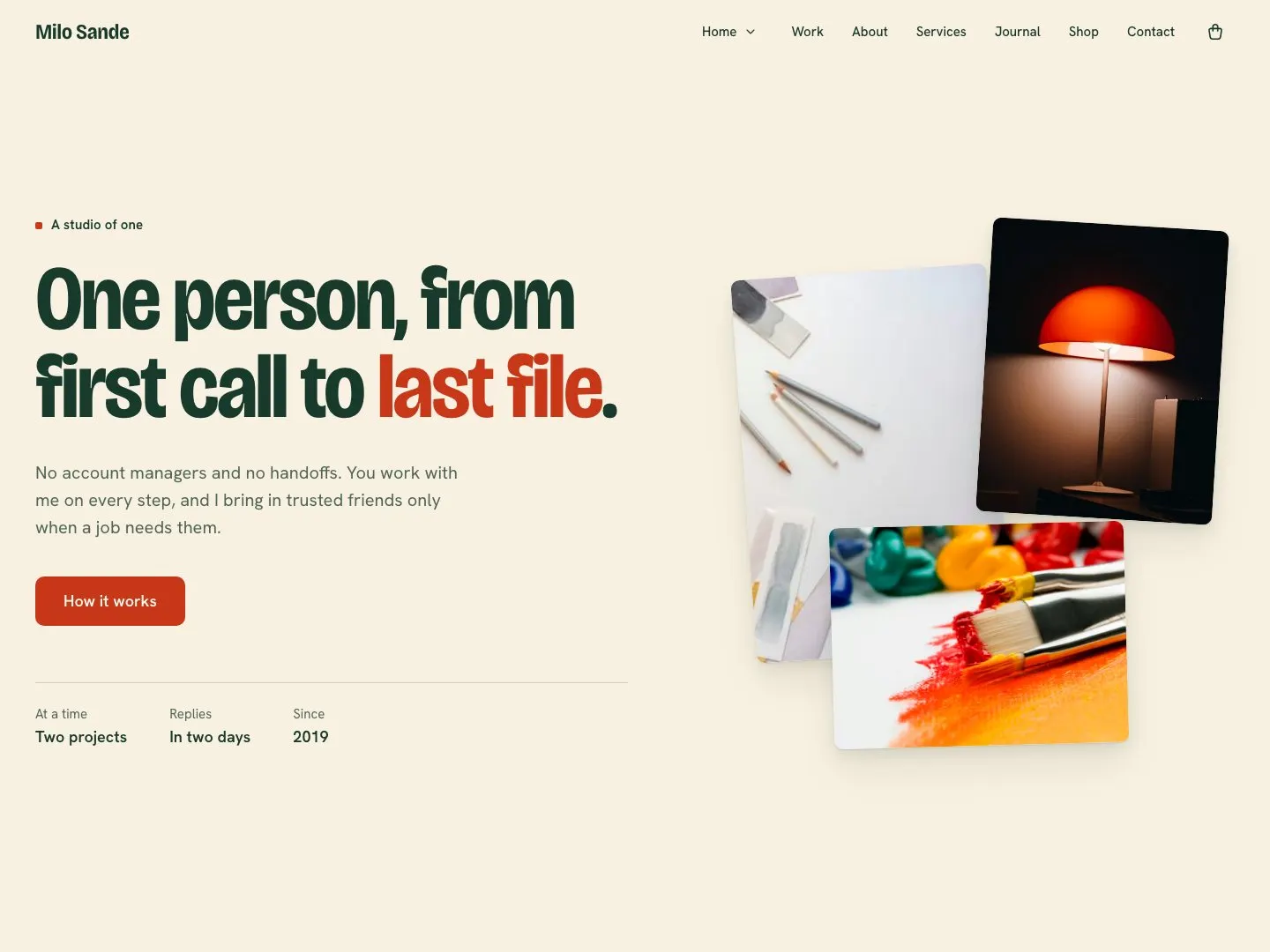
Studio of one (opens the demo in a new tab)
Working with one person: the process, the services, and the prices.
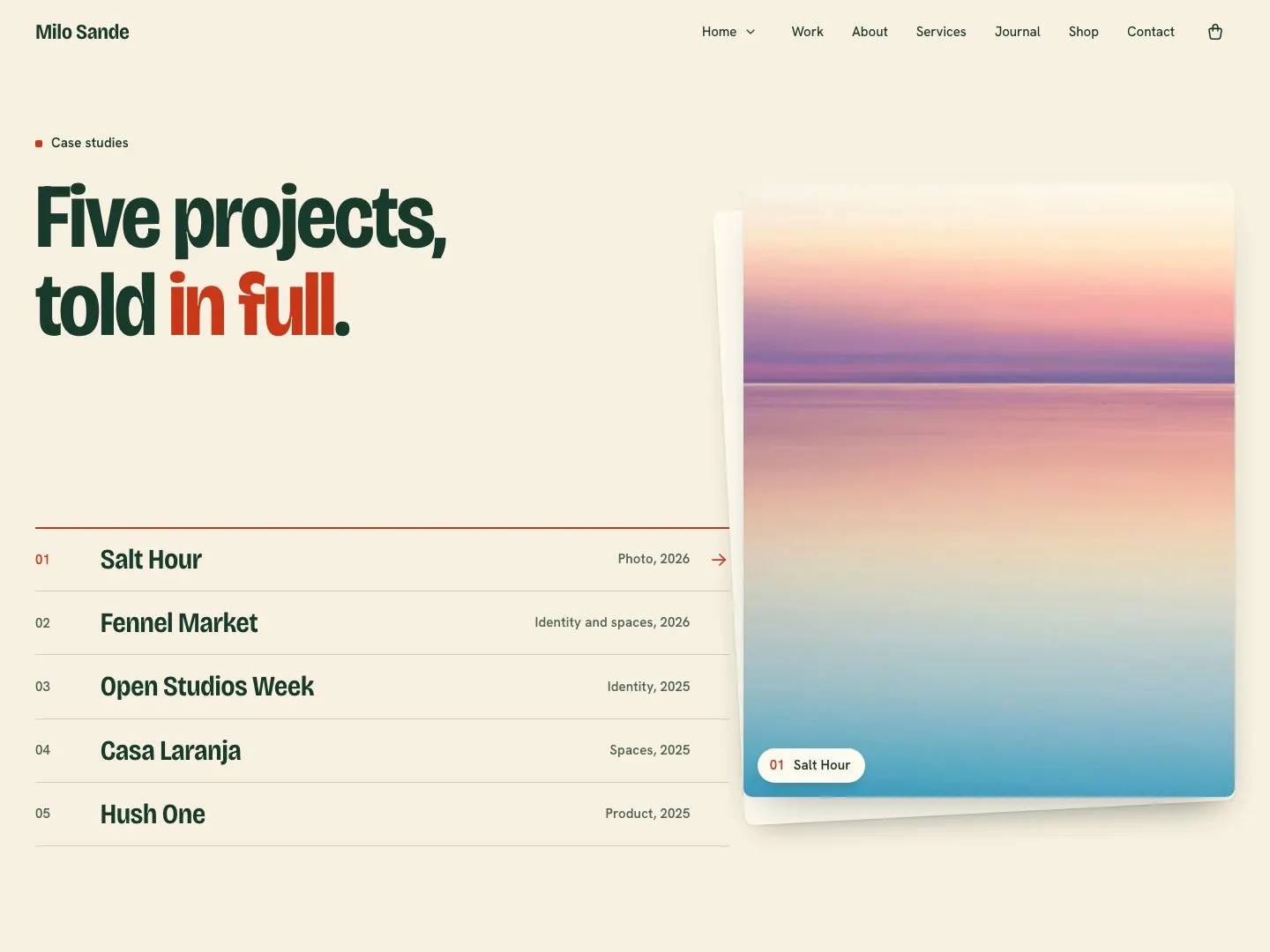
Case (opens the demo in a new tab)
A few projects told in full, as case studies.
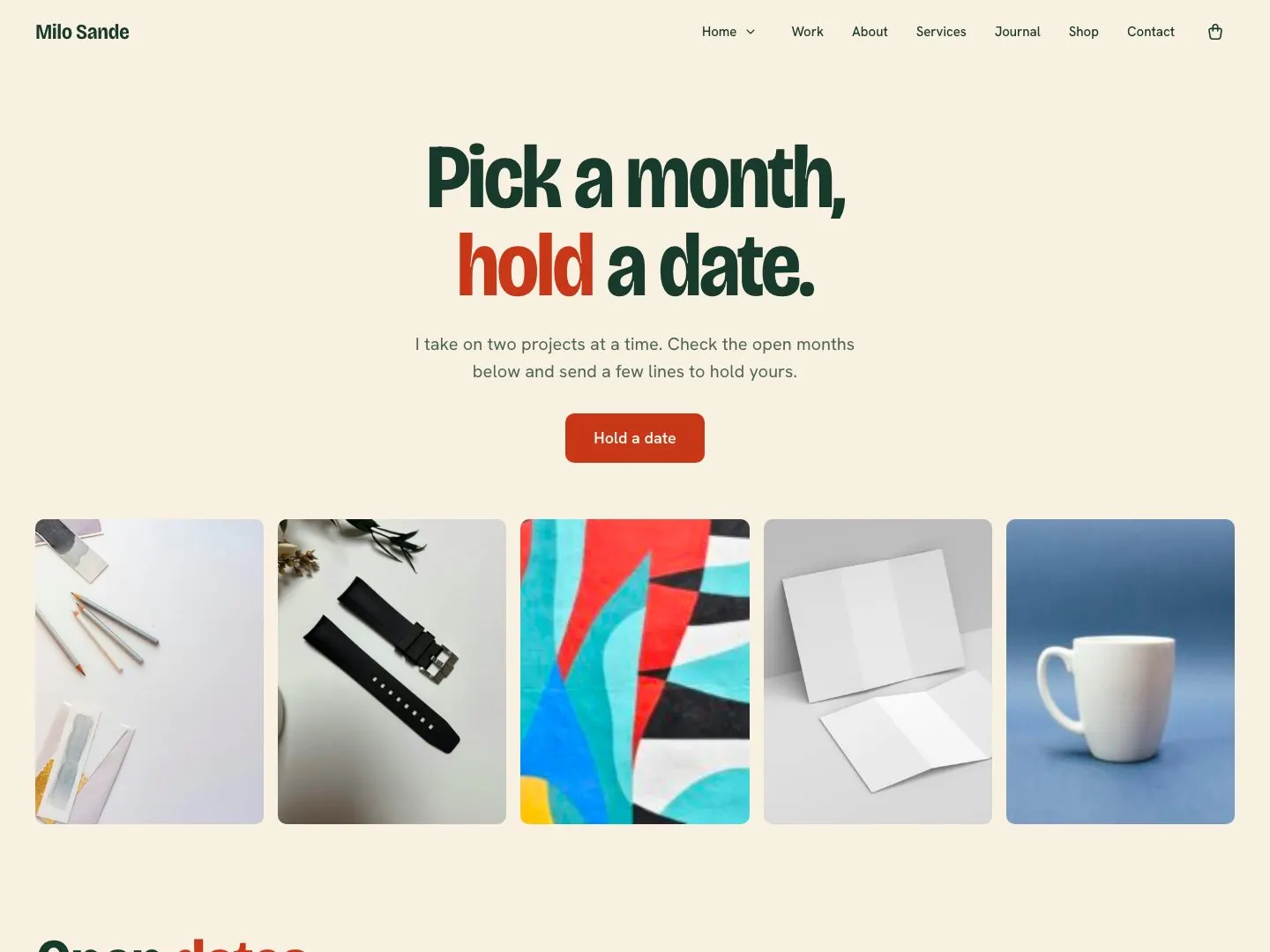
Booking (opens the demo in a new tab)
Open dates and prices, to book a project.
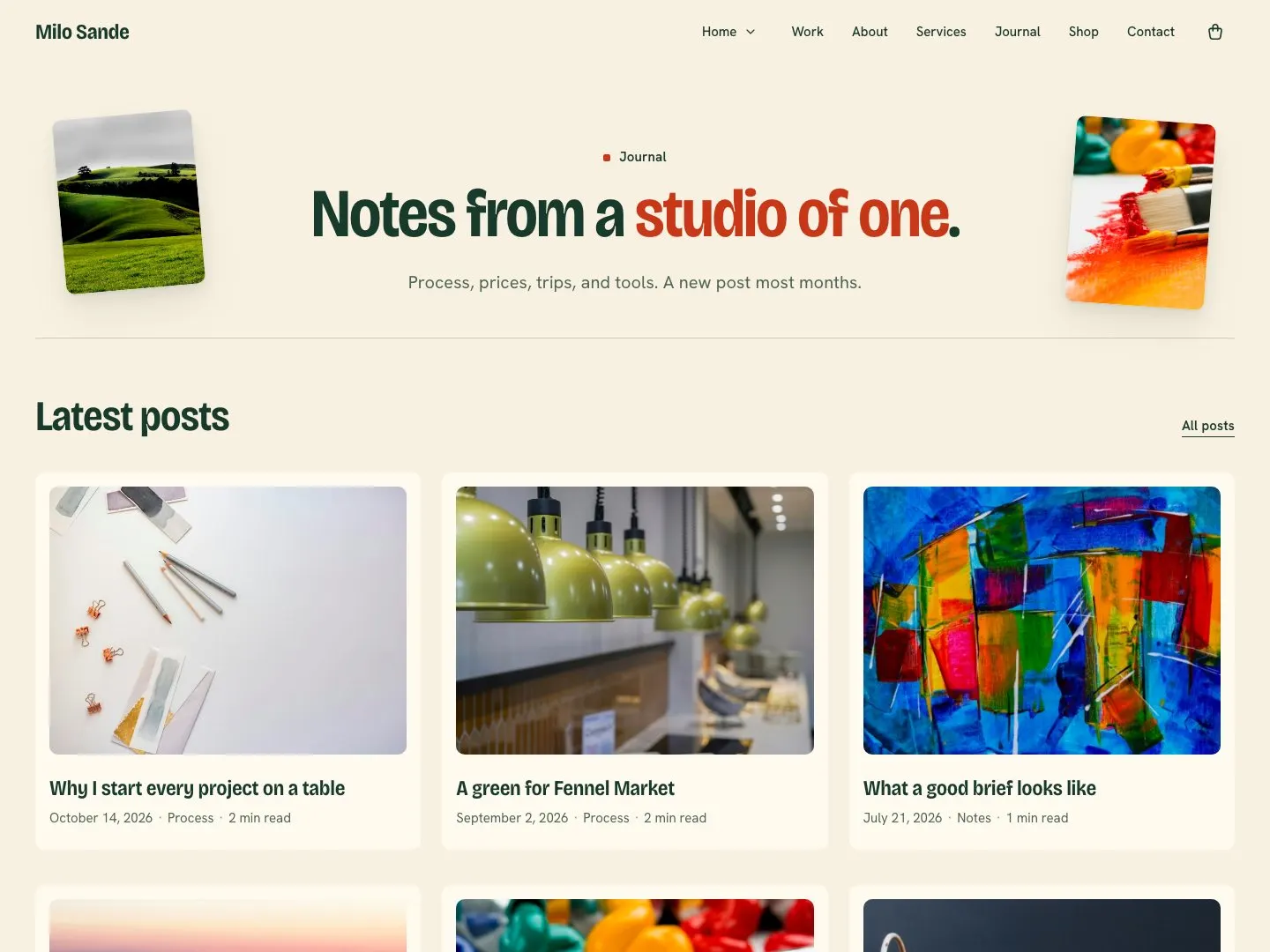
Journal (opens the demo in a new tab)
Writing first: the latest posts on top.
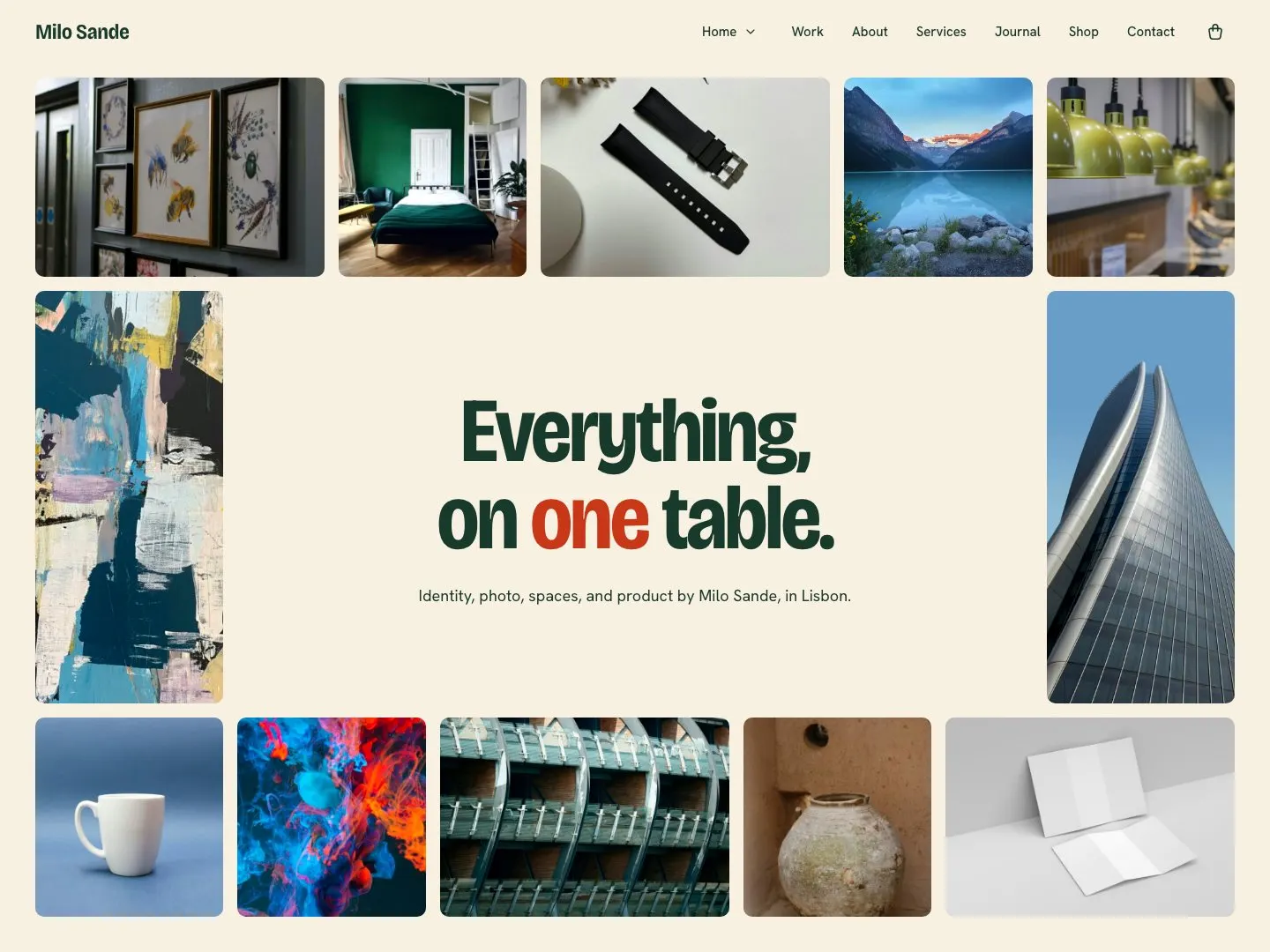
Everything (opens the demo in a new tab)
All four disciplines and many kinds of widgets on one page.
Milo Sande, the clients, and the projects are fictional. The photos are on the live demo only.The widgets of each home page
Inner pages
Every page a freelancer needs.
Work, two project layouts, about, services, contact, a journal, a shop, and a style guide that shows every core block. They all come with the demo import.
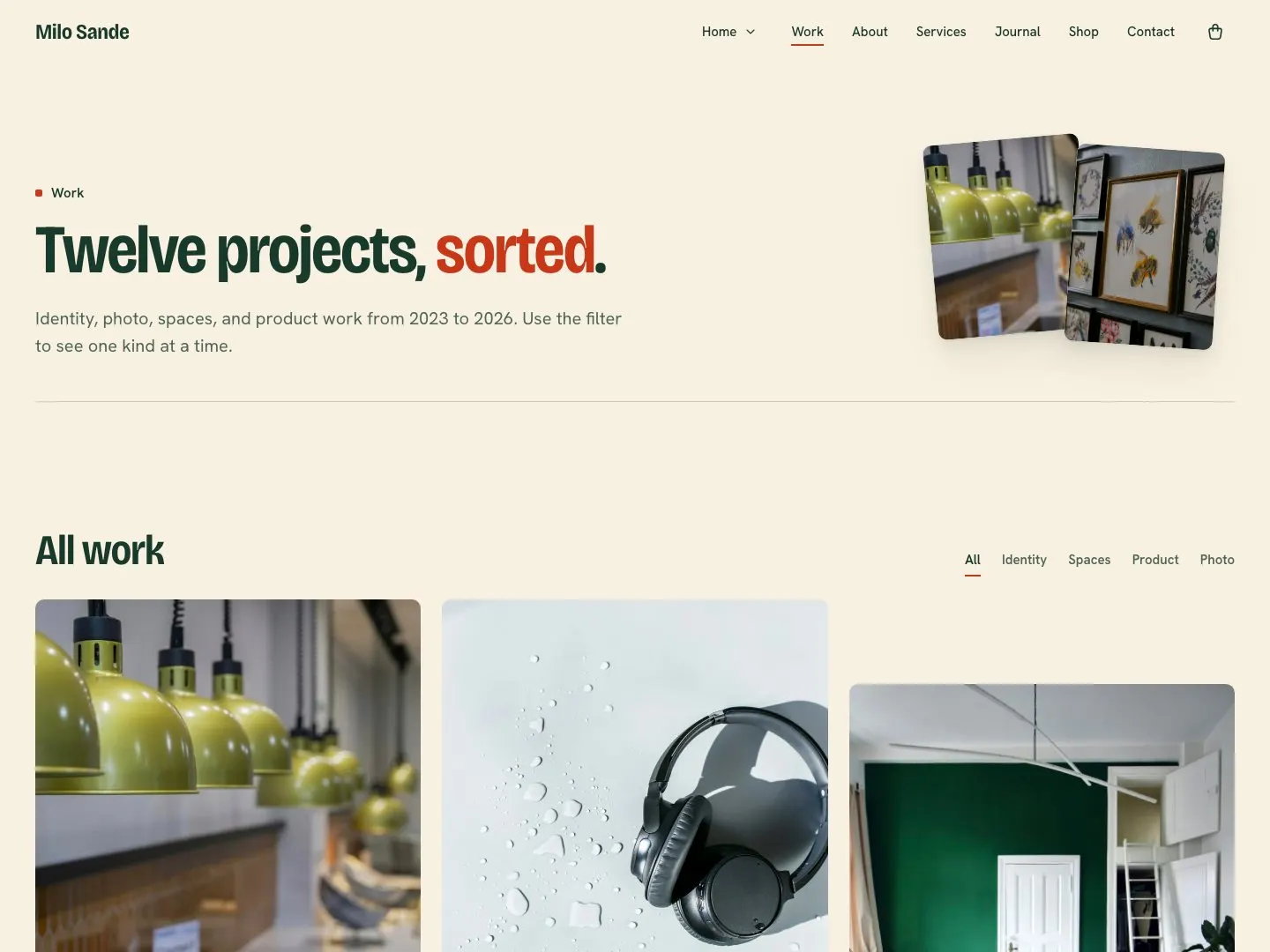
Work (opens the demo in a new tab)
Every project in moving columns, with the discipline filter.
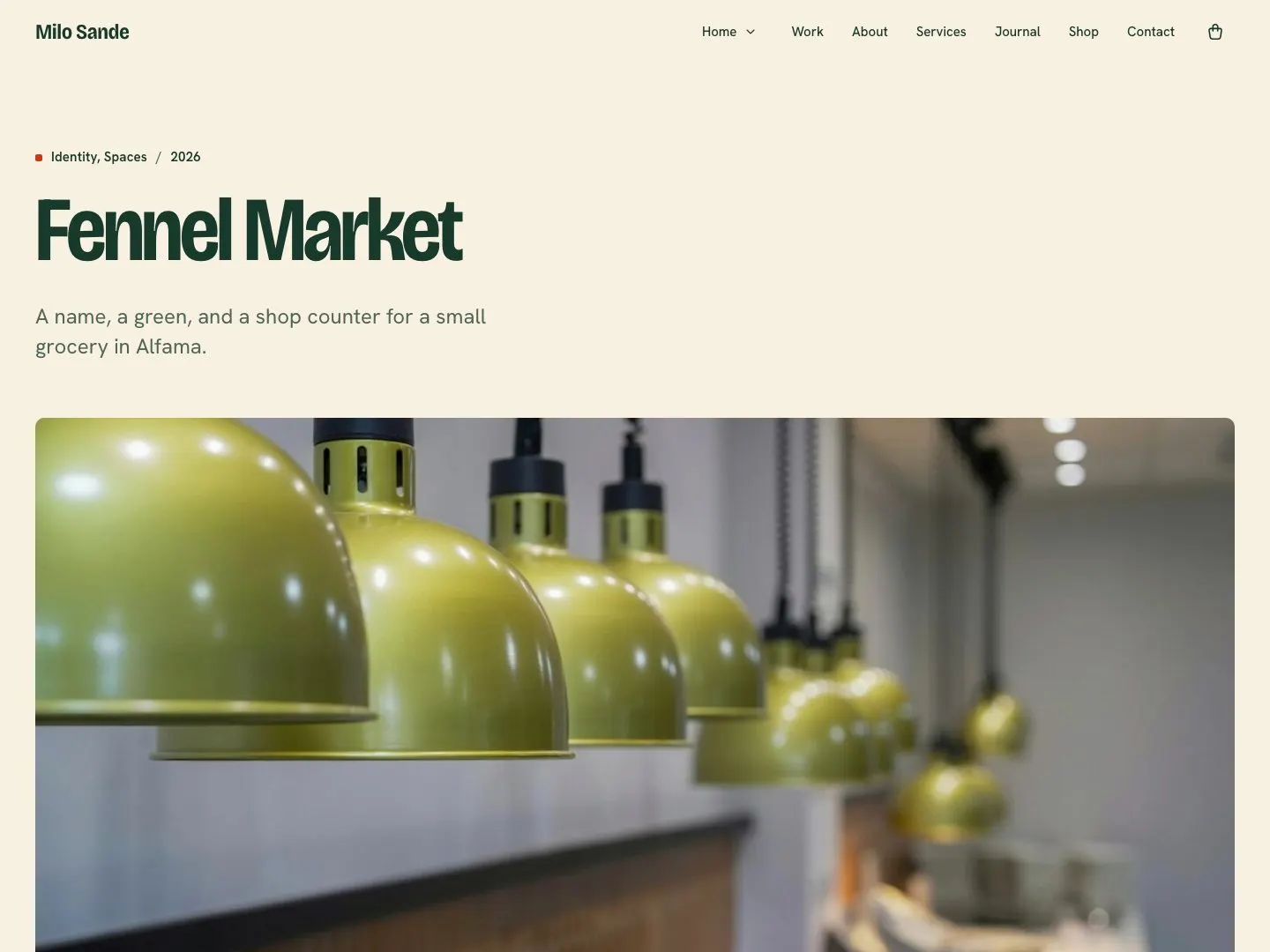
Case study (opens the demo in a new tab)
A project told in full: hero print, facts, story, next project.
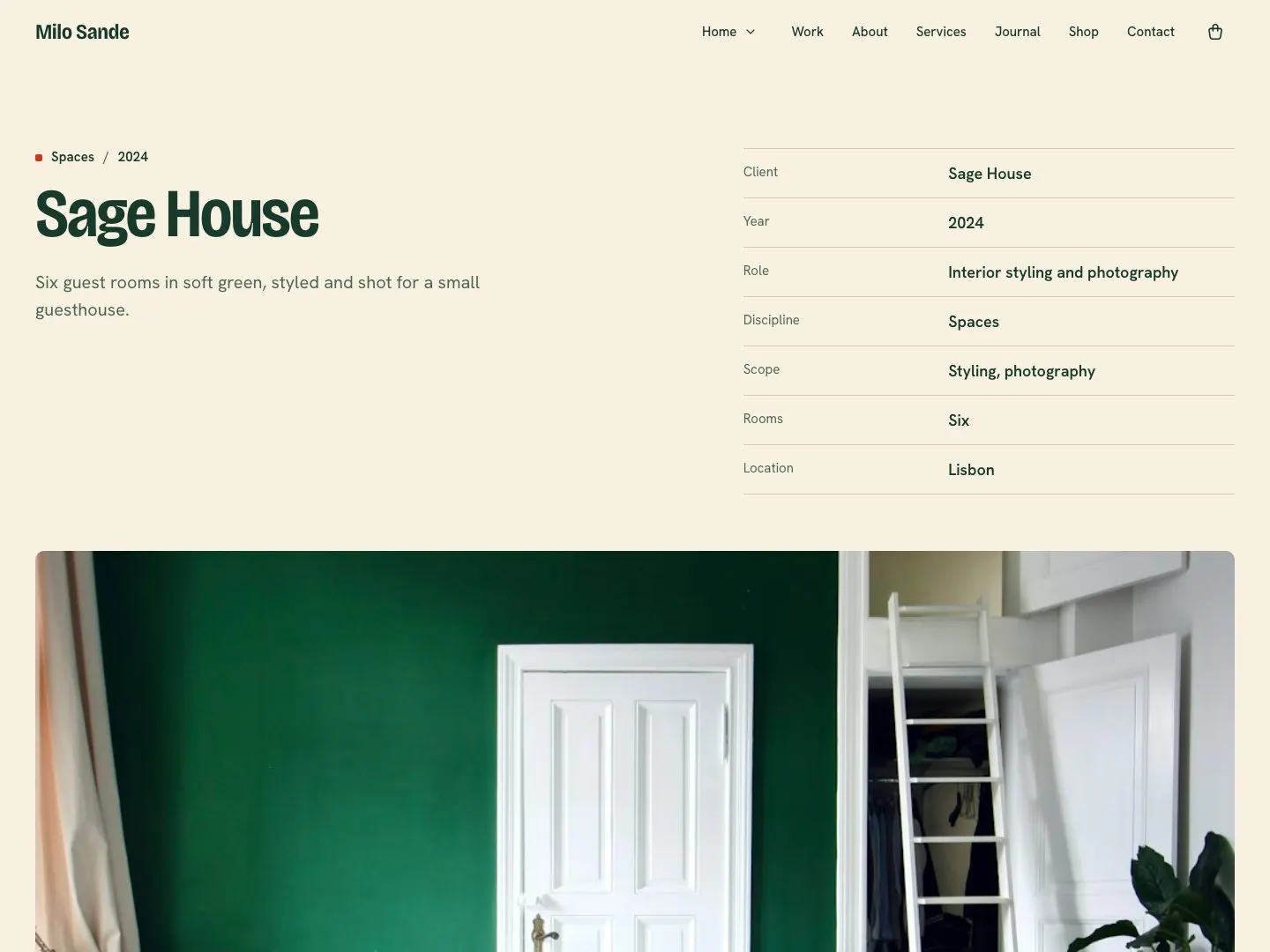
Gallery project (opens the demo in a new tab)
The second project layout: the gallery comes first.
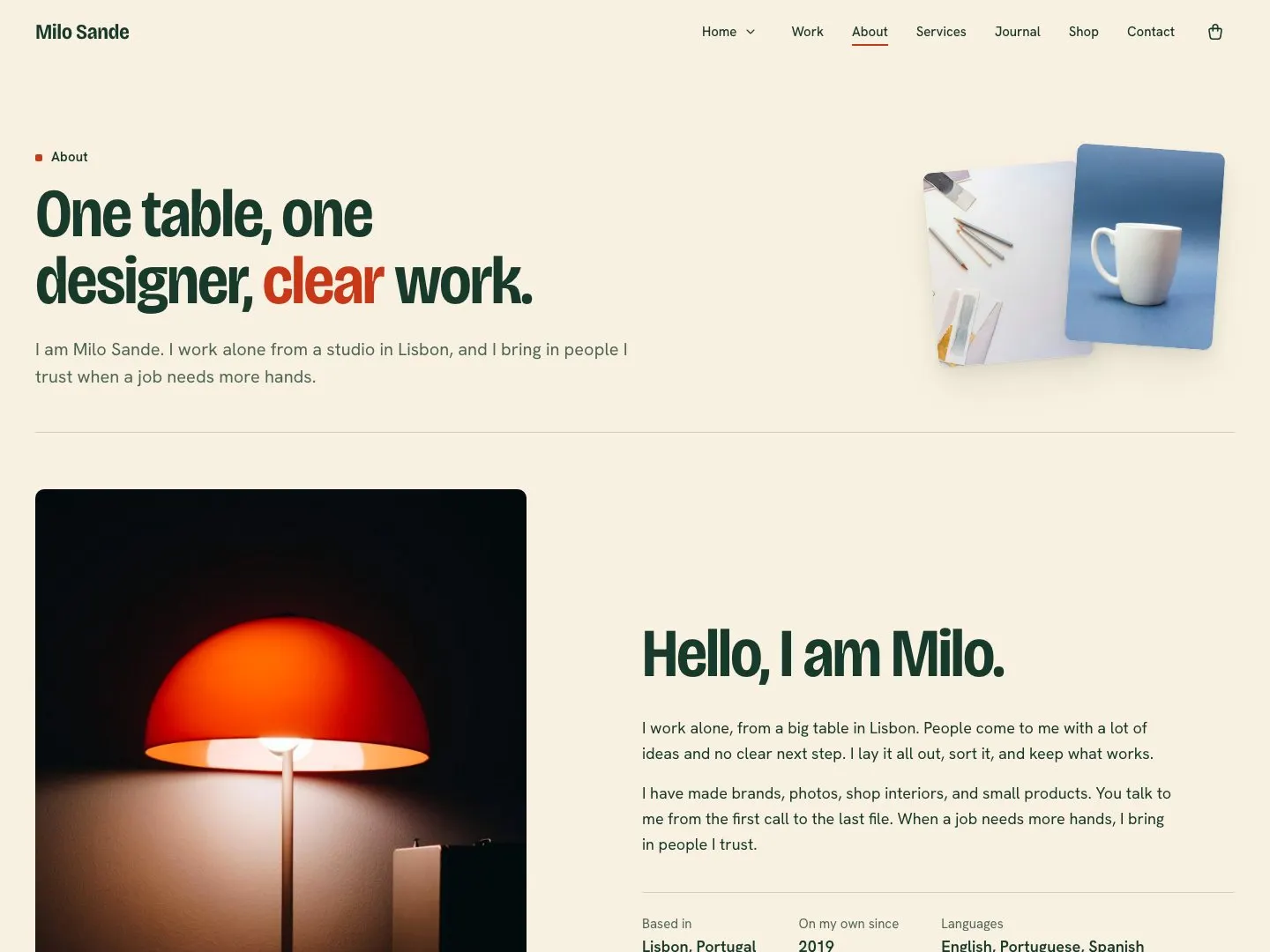
About (opens the demo in a new tab)
A portrait, the story, experience, awards, and collaborators.
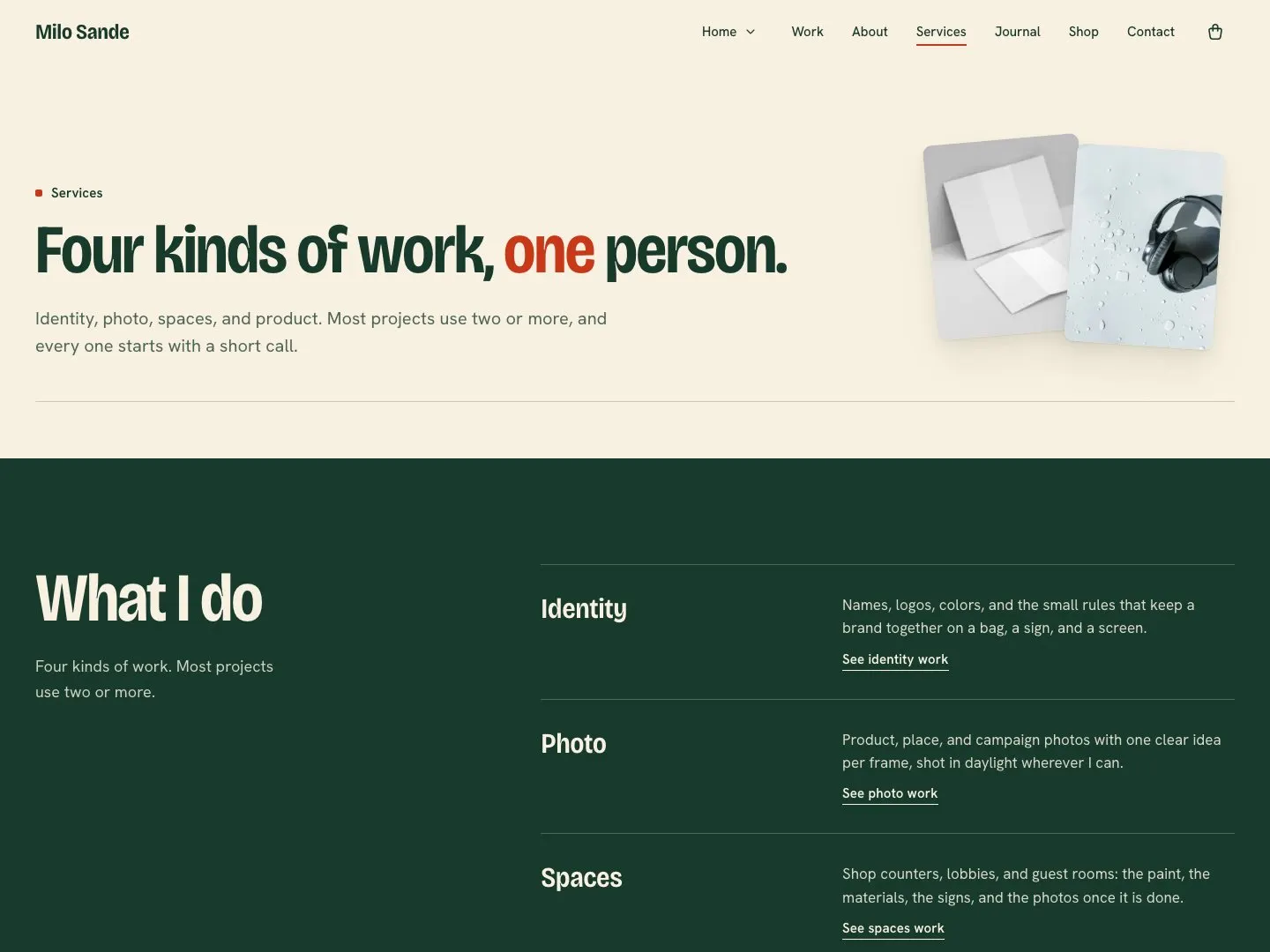
Services (opens the demo in a new tab)
What you do, how a project runs, prices, and open dates.
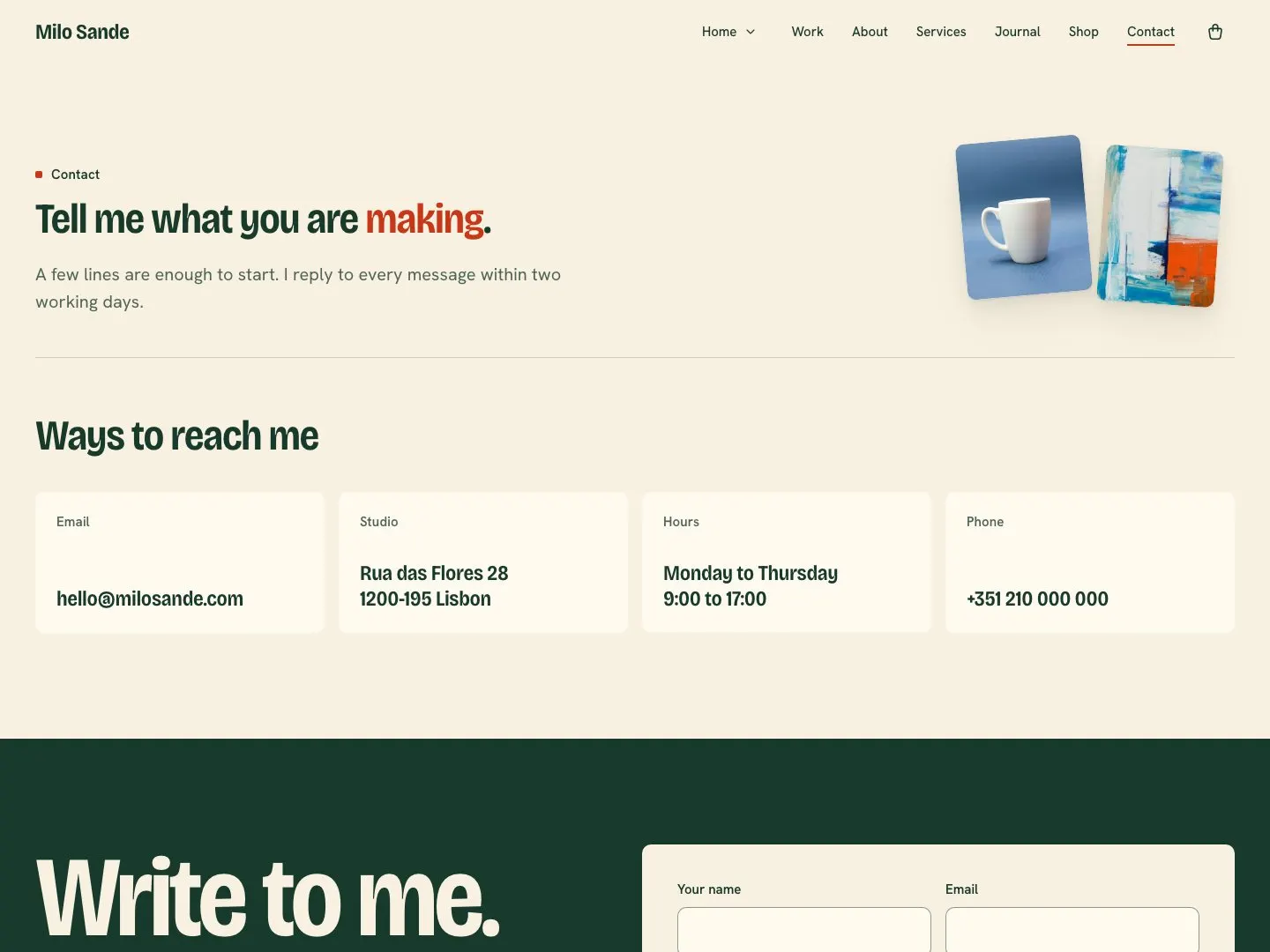
Contact (opens the demo in a new tab)
Ways to reach you and a Contact Form 7 form.
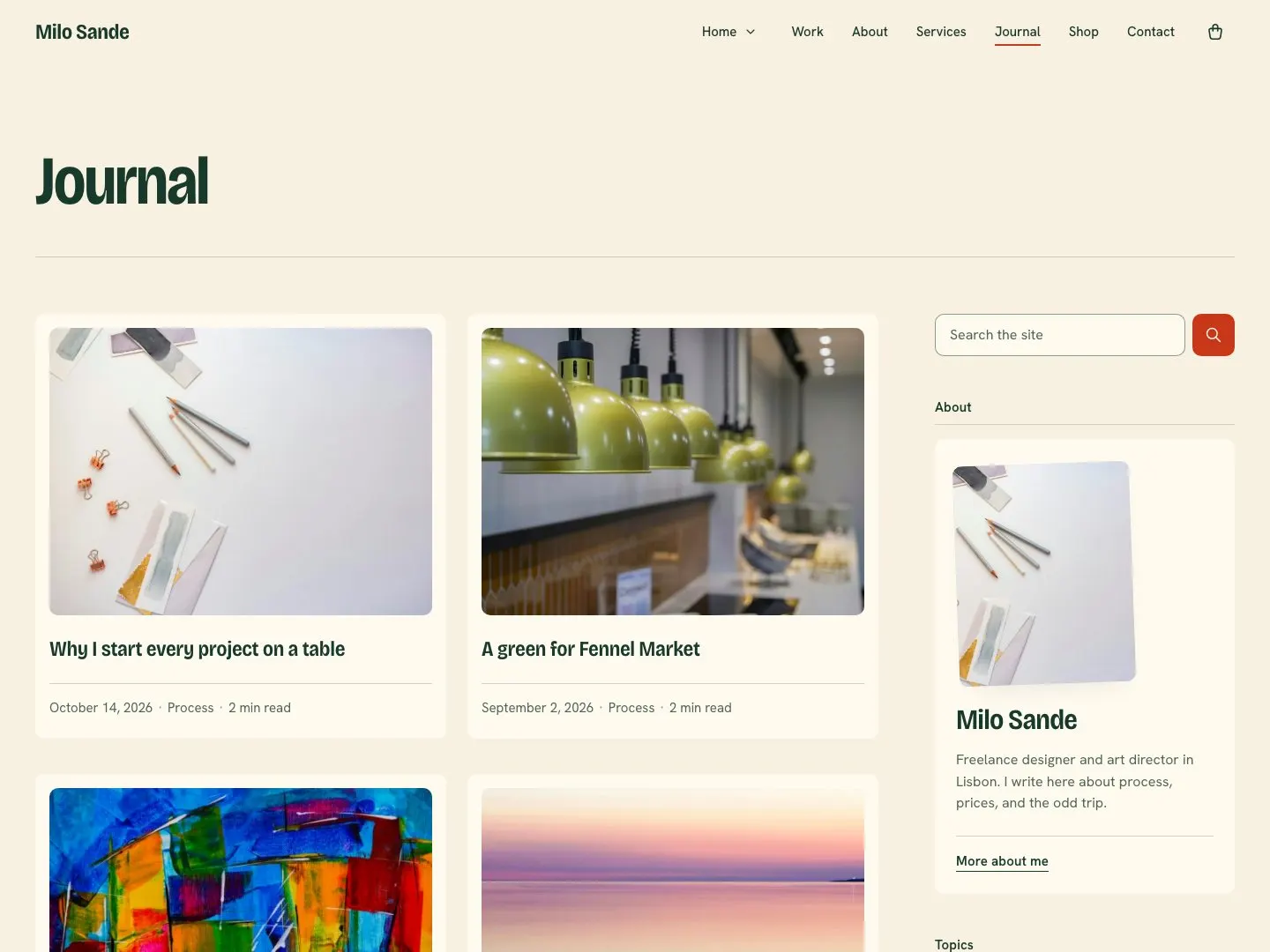
Journal (opens the demo in a new tab)
The blog as cards, with the sidebar widgets.
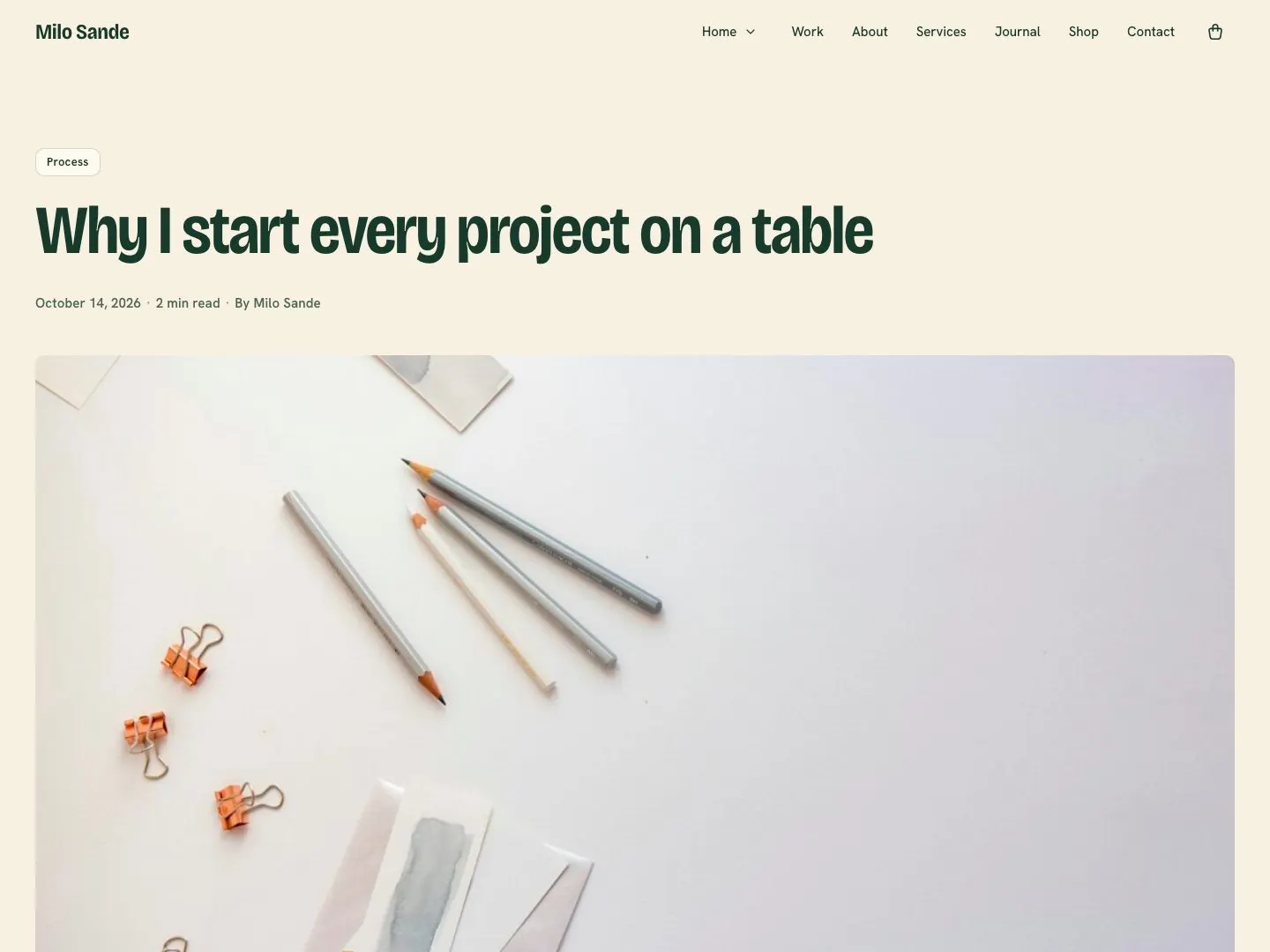
Post (opens the demo in a new tab)
A written post with styled core blocks and share links.
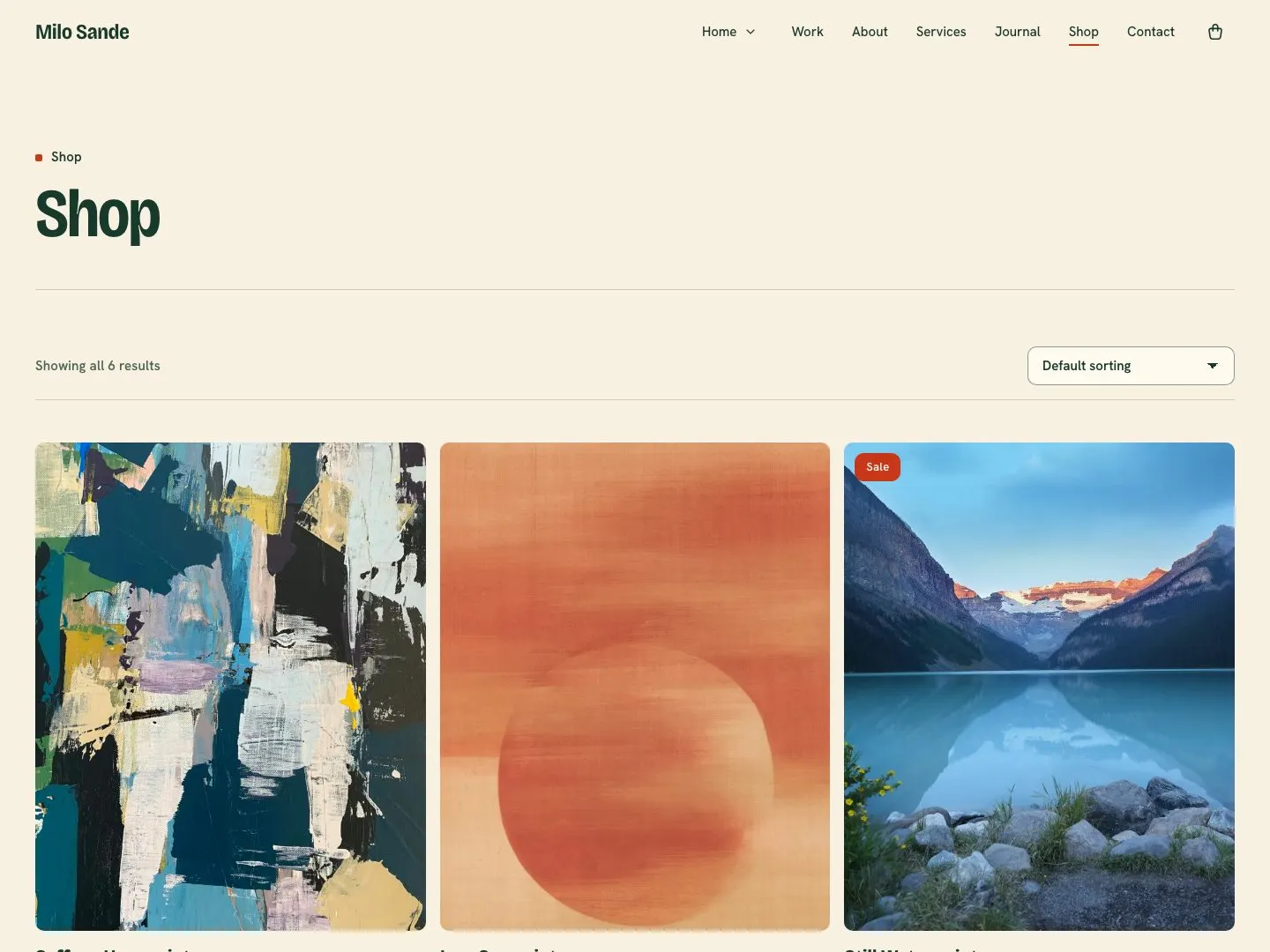
Shop (opens the demo in a new tab)
A small WooCommerce shop of prints and studio goods.
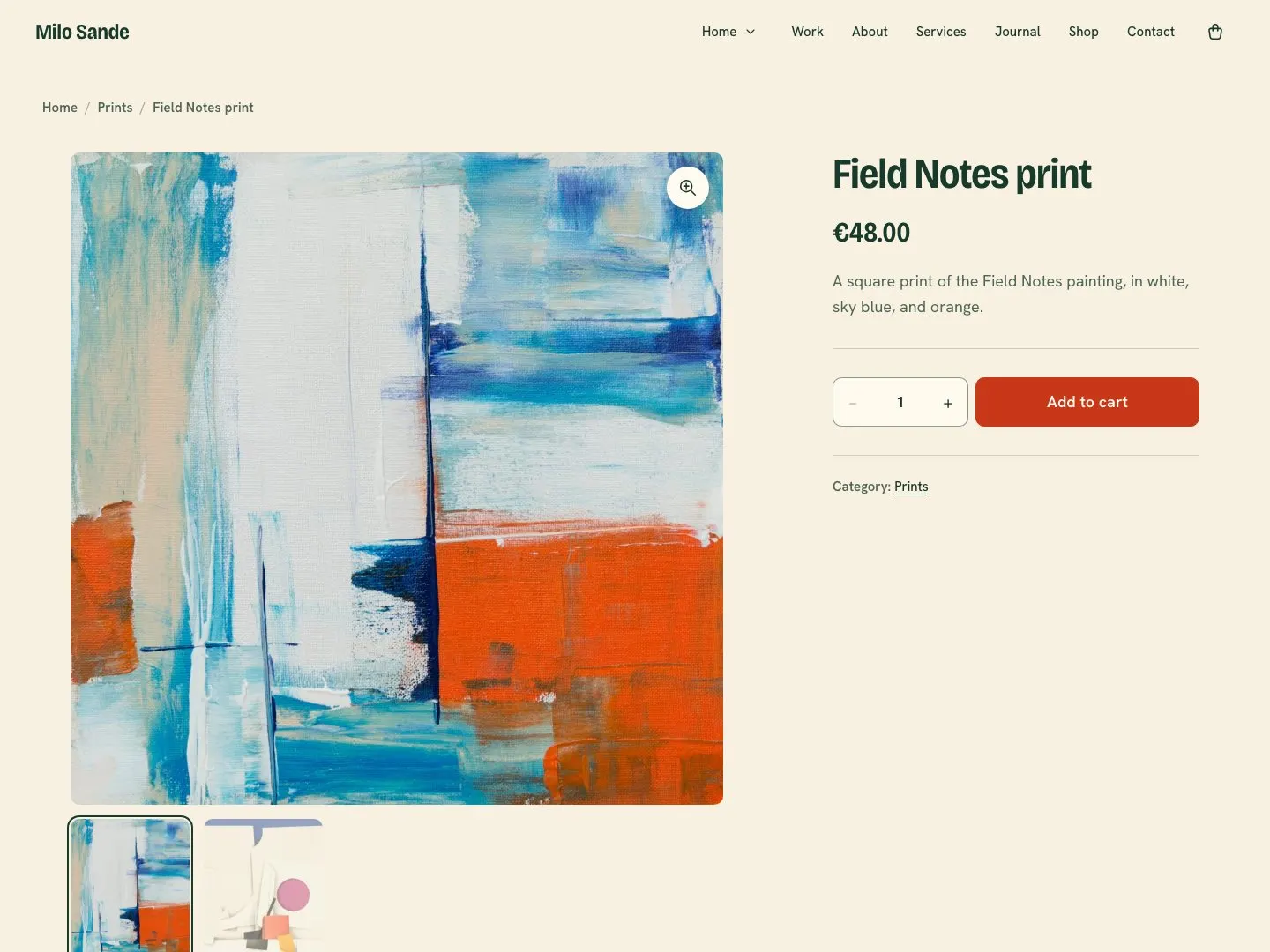
Product (opens the demo in a new tab)
A product page with the gallery and the slide-out cart.
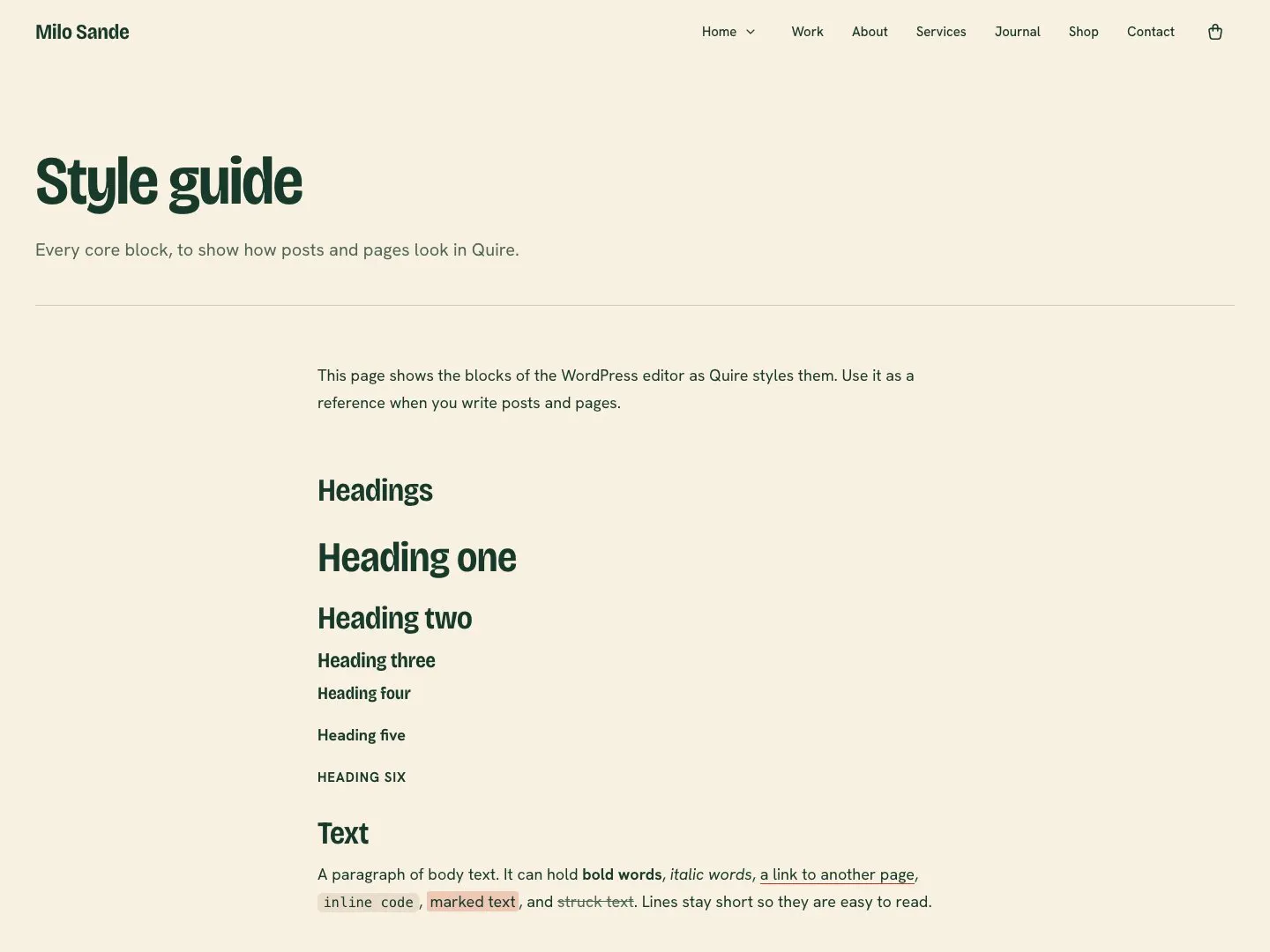
Style guide (opens the demo in a new tab)
Every core block in the Quire style.
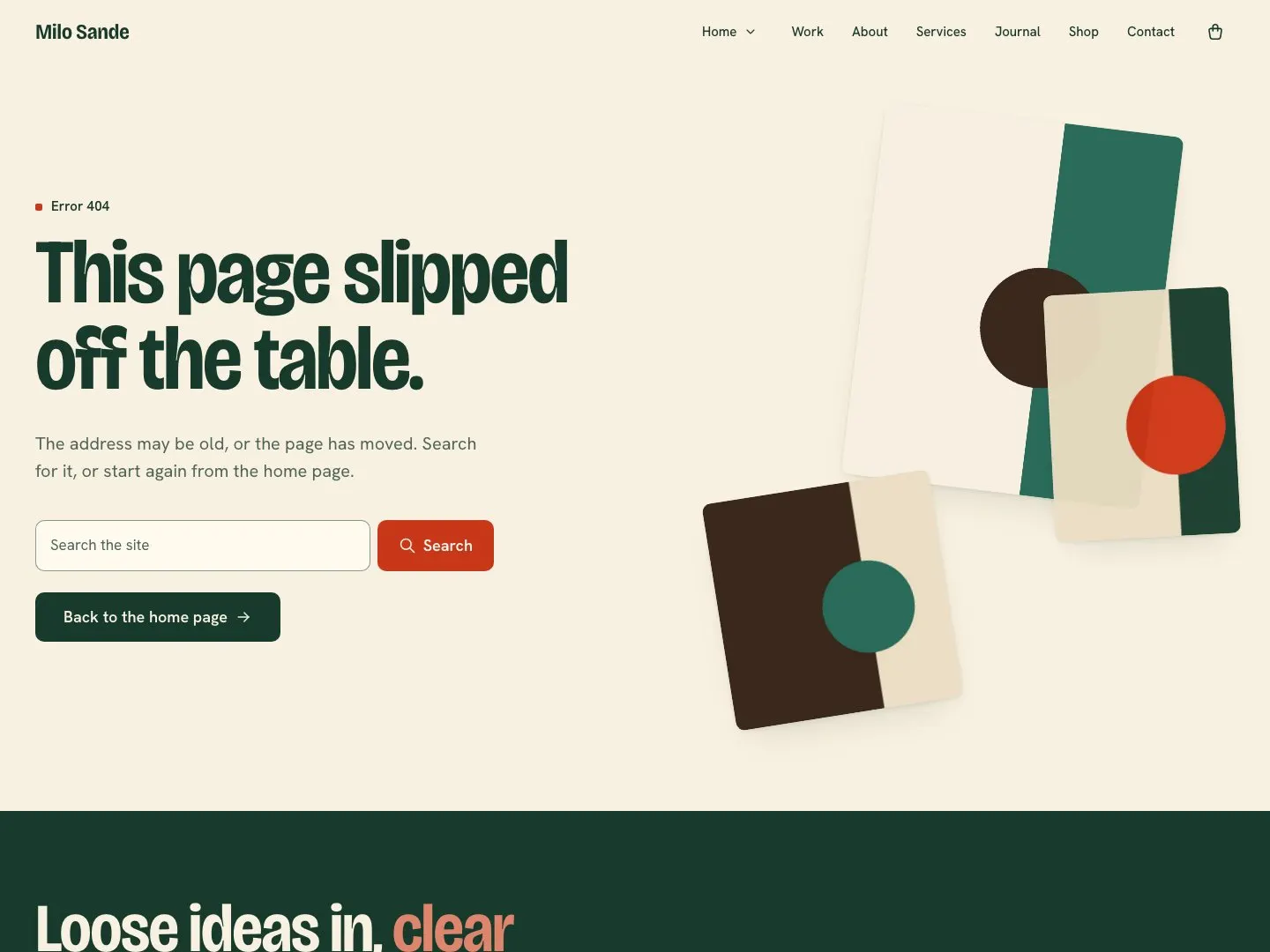
Page not found (opens the demo in a new tab)
A designed 404 page with a search form.
Elementor widgets
65 widgets for free Elementor.
Every home page is a stack of these widgets. Find them in the "Quire" category of the Elementor panel, drag one onto a page, and fill in its fields. Elementor Pro is not needed.
Open a group to see what each widget shows.
Openers6
Table hero, Split hero, Deck hero, Type hero, Slide hero, Page head
- Table hero
Twelve prints settle around a large headline, then the table zooms into one print.
- Split hero
A headline, lead, button, and facts beside a pile of three prints.
- Deck hero
A centered headline over a fan of prints that opens into a row.
- Type hero
Very large lines of type with small rounded prints between the words.
- Slide hero
Full-screen prints that fade from one to the next.
- Page head
The top of an inner page: label, title, intro, and two small prints.
Work11
Work columns, Work grid, Work list, Work index, Featured project, Project hero, Arch hero, List hero, Strip hero, Project facts, Next project
- Work columns
Projects in three columns that move as the page scrolls, with a filter.
- Work grid
Projects as an even grid of cards, with a filter.
- Work list
Projects as large rows of names, with a print that follows the pointer.
- Work index
A compact index of every project, by year or by discipline.
- Featured project
One project shown large, with a card that holds its name and facts.
- Project hero
The top of a project page: name, meta line, lead, and a large print.
- Arch hero
A headline over three prints cut as arched windows.
- List hero
A headline over numbered project rows, beside a print that follows the row.
- Strip hero
A headline over a strip of numbered prints that slides as the page scrolls.
- Project facts
A project summary beside its facts: client, year, role, and more.
- Next project
A large link to the next project on a forest band.
Media11
Gallery, Pinboard, Image pair, Full print, Carousel, Before and after, Video, Print shelf, Contact sheet, Drift, Print notes
- Gallery
A grid of images with captions and a lightbox.
- Pinboard
Up to nine prints with tags and a note card on a small table.
- Image pair
Two images side by side with numbered captions.
- Full print
One wide image that grows to the full width.
- Carousel
A sideways strip of cards with previous and next buttons.
- Before and after
Two images in one frame, with a handle that slides between them.
- Video
A Vimeo, YouTube, or uploaded video behind your own poster.
- Print shelf
Tall, narrow prints like books on a shelf. The hovered one opens.
- Contact sheet
Small frames on a panel, with the picks circled.
- Drift
A large line with six prints that drift at different speeds.
- Print notes
One print with numbered dots that open short notes.
Case study and text8
Case chapter, Statement, Text columns, Color palette, Type specimen, Sticky story, Letter, Tabs
- Case chapter
A numbered chapter of a case study: number, heading, text, and a print.
- Statement
One large paragraph that fills with ink as the visitor reads.
- Text columns
A label and heading beside text in one or two columns.
- Color palette
Paint chips with each color's name, HEX and RGB values, and a note.
- Type specimen
A specimen of the display or text font.
- Sticky story
Steps that scroll past a print that stays in view.
- Letter
A personal note on a sheet of paper, with a clipped print.
- Tabs
Two to five tabs, each with a print and a card.
About and people6
About, Experience, Awards, Collaborators, Now, Stickers
- About
A portrait beside a hello heading, text, and facts.
- Experience
Where you have worked: years, role, place, and a note.
- Awards
Awards in rows, with a result chip such as Winner.
- Collaborators
The people you work with, as cards.
- Now
What you are doing now, with your city's local time.
- Stickers
Skills and tools as colored sticker pills.
Services and business8
Services, Service cards, Process, Pricing, Questions, Availability, Card stack, Bento
- Services
A band with rows of services.
- Service cards
Services as cards with a picture, a list, and a starting price.
- Process
The steps of a project in a row, with how long each takes.
- Pricing
Two to four plans with a price, a list, and a button.
- Questions
Questions and answers that open one by one.
- Availability
The months of the year as chips: booked, a few days left, or open.
- Card stack
Large cards that pile up on each other as the page scrolls.
- Bento
A grid of mixed tiles: prints, text, a figure, a quote, and a link.
Trust6
Clients, Logos, Quote, Testimonials, Numbers, Press
- Clients
Client names set as one long sentence.
- Logos
Client logos on paper tiles.
- Quote
One client quote on a colored card.
- Testimonials
Client quotes as a deck of cards.
- Numbers
Three or four large figures that count up.
- Press
Articles about you as newspaper cuttings.
Engagement9
Journal, Call to action, Contact, Contact details, Newsletter, Marquee, Products, Quire header, Quire footer
- Journal
Your latest blog posts as cards.
- Call to action
A colored card with a large line, a button, and a turned print.
- Contact
A forest band with a hello, your email, a sign-up, and a contact form.
- Contact details
Paper cards with your email, phone, address, and hours.
- Newsletter
A sign-up band that sends to your mailing service.
- Marquee
A line of large words that runs sideways.
- Products
WooCommerce products as print cards.
- Quire header
The Quire header bar, for an Elementor header template.
- Quire footer
The Quire footer, for an Elementor footer template.
Features
Made for one person's work.
Quire is for a freelancer or a small studio: a portfolio first, with a journal and a small shop beside it. These are the parts you will use most.
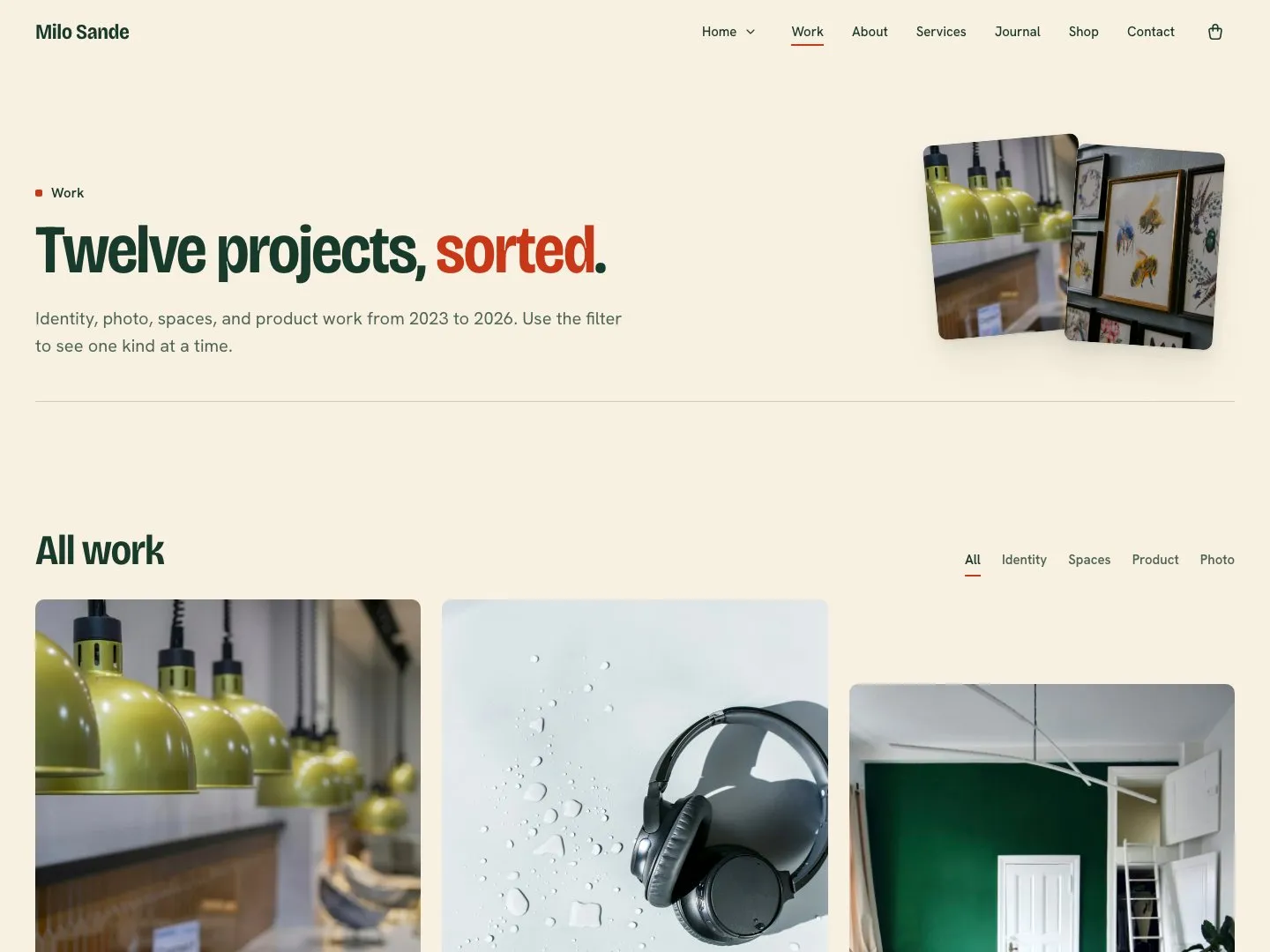
Projects
Your work, sorted three ways.
Projects are their own post type in Quire Core, so your work stays when you change themes.
- Three archive layouts: moving columns, a grid of 2 to 4 columns, and a list
- A filter by discipline, such as identity, photo, spaces, and product
- Two project layouts: a case study, or the gallery first
- Client, year, and discipline, with no extra fields plugin
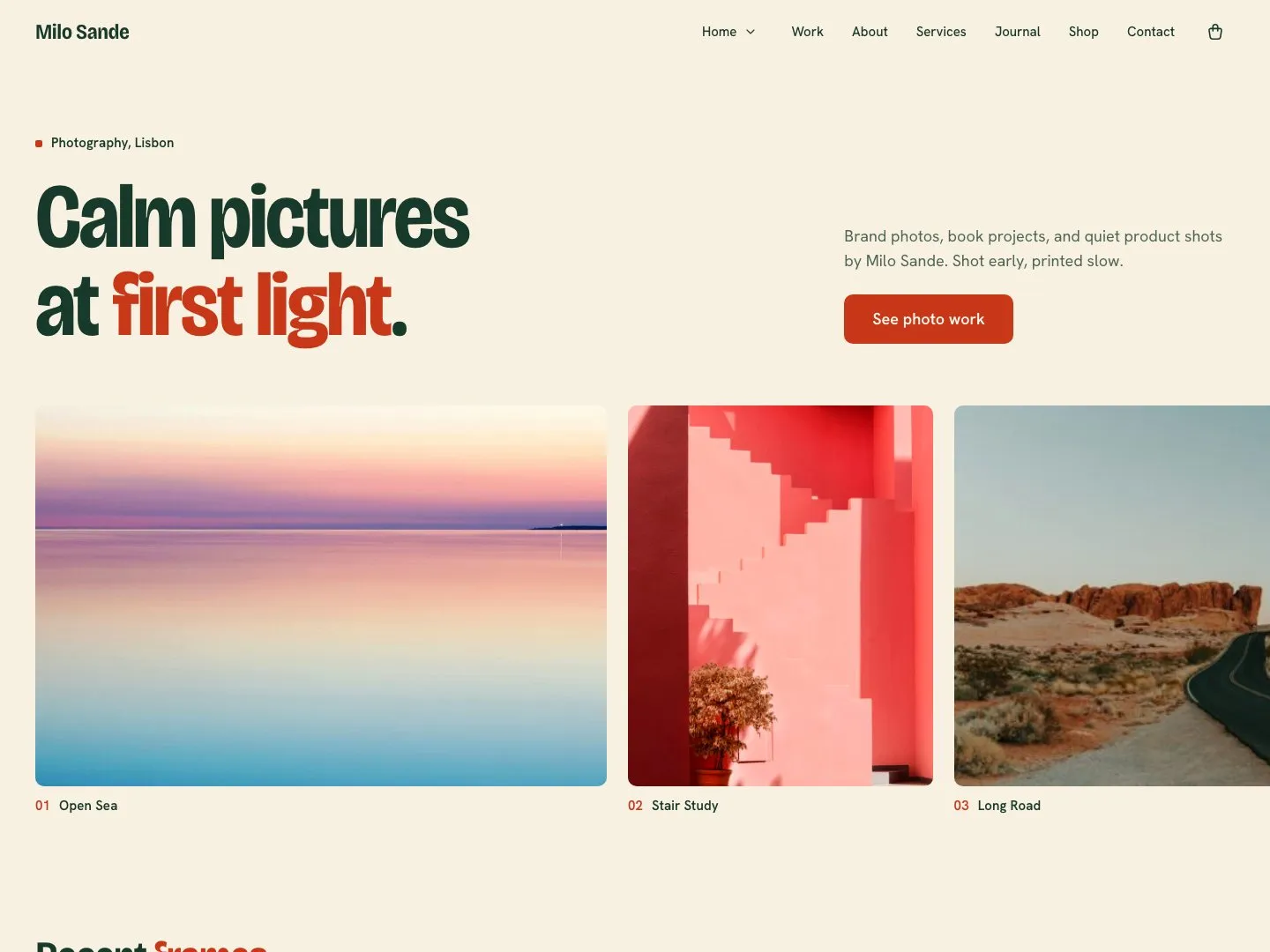
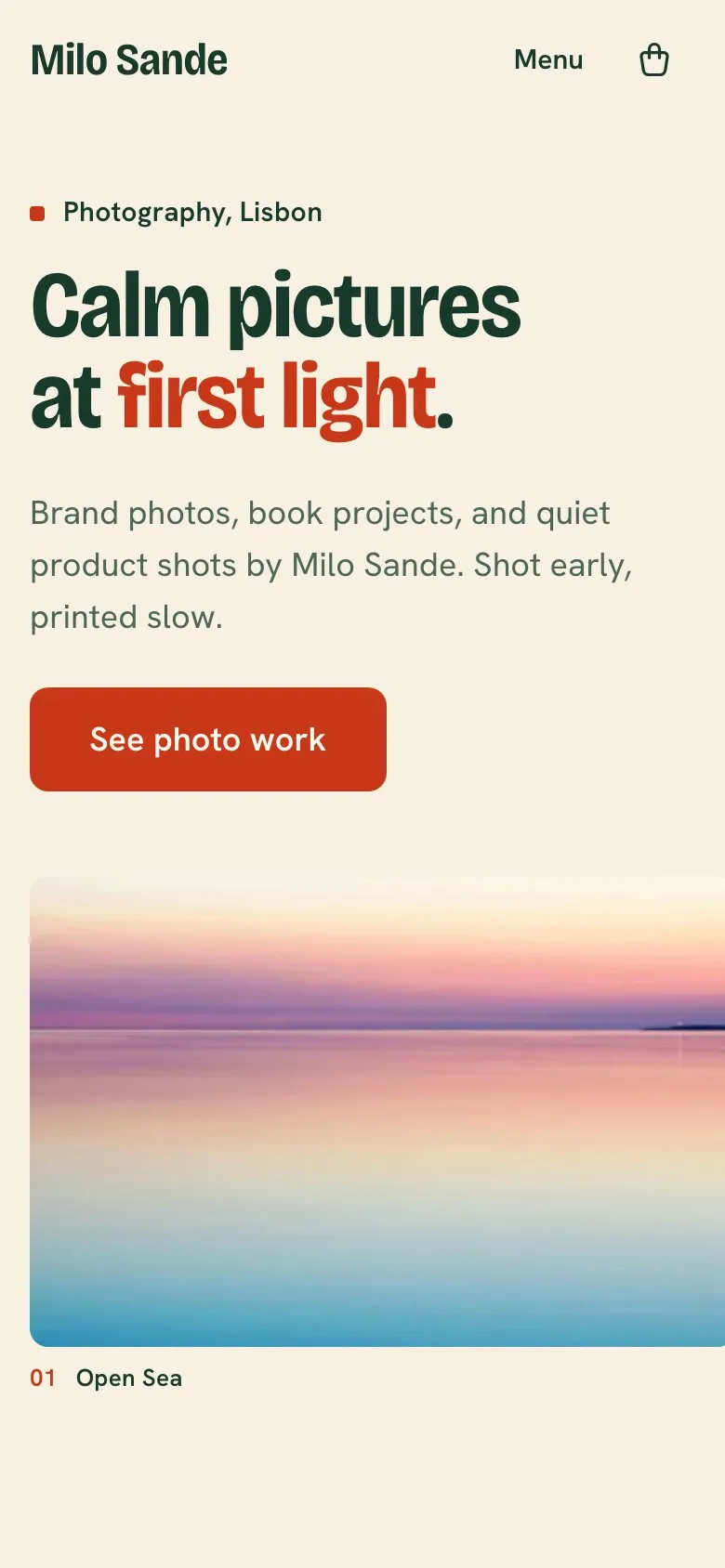
Every screen
Calm on a phone, too.
Every widget has its own phone layout, checked at 390, 1024, and 1440 pixels wide.
- A full-screen phone menu with a toggle for each parent item
- Every level of your menu is reachable, on a phone and on a laptop
- A designed scrollbar, and dropdown cards that scroll when a list is long
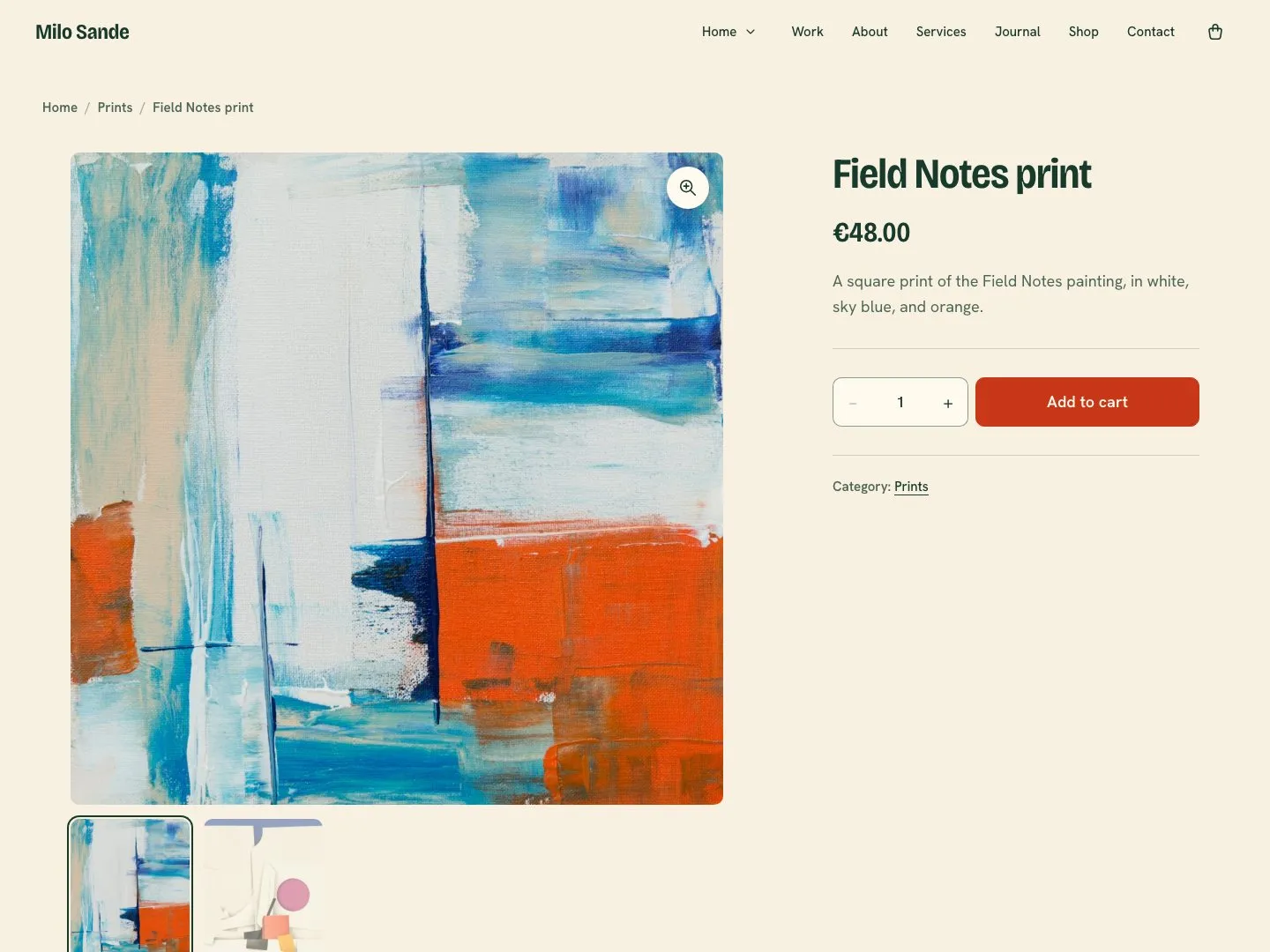
Shop
A small shop beside the work.
Sell prints and studio goods with WooCommerce, styled like the rest of the site.
- Full WooCommerce support, including the block cart and checkout
- A slide-out cart and a quick view, each with an off switch
- The Products widget and Home 10 Shop
Right to left
Reads both ways.
Quire supports right-to-left languages such as Arabic and Hebrew. The layouts, the table, the columns, and the carousels all mirror.
- Right-to-left stylesheets for the theme
- Translation templates for the theme and the plugin
- A wpml-config.xml file for multilingual sites
Five palettes
Pick a preset in the Customizer, then change any of the four colors.
- Forest: cream, forest green, and tomato
- Ink: off-white, navy, and red
- Plum: blush, plum, and orange
- Ocean: mist, deep teal, and coral
- Clay: sand, brown, and green
Five font pairings
The default pairing ships with the theme, so a fresh install makes no request to another server.
- Quire: Bricolage Grotesque and Hanken GroteskBundled
- Editorial: Fraunces and Work Sans
- Modern: Space Grotesk and Inter
- Classic: Playfair Display and DM Sans
- Mono: Instrument Sans and IBM Plex Mono
Motion with an off switch
Five effects from the design: the table settle, the table zoom, the moving columns, the filter, and the settling cards.
- One Customizer switch for each effect
- A still layout for visitors who ask for reduced motion
- Native scrolling, with no smooth-scroll library
A journal
Posts as cards or rows, with no sidebar or a sidebar on the left or right.
- Every core block styled, in the editor too
- Block styles: Print, Underline, Label, Hairline rows, Ruler
- Four patterns: page intro, two prints, call to action band, facts list
Privacy first
Vimeo, YouTube, and your own MP4 play behind your own poster. No request leaves the site before the visitor presses play.
Share links are plain links (copy, X, Facebook, LinkedIn, Pinterest, email), with no network scripts.
Forms and sign-ups
The Contact widget places a Contact Form 7 form in the Quire style.
Newsletter forms send sign-ups to your own mailing service, such as Mailchimp, through its form action address.
Every effect has a still version. The page works with less motion, and without JavaScript.
Works with
- WordPress6.8+
- Elementorfree
- WooCommerce
- Contact Form 7
- One Click Demo Import
- WPML
Start
From upload to your site.
No setup wizard to learn. The documentation walks through each step with screenshots.
01
Install Quire and Quire Core
Upload quire.zip in Appearance > Themes and activate it. A notice offers Quire Core and the free plugins.
Installation02
Import the demo
One Click Demo Import brings the 20 home pages, the projects, posts, products, menus, widgets, and Customizer settings.
Import the demo03
Make it yours
Pick a home page in Settings > Reading, change the words and images in Elementor, and set your colors and fonts in the Customizer.
The Customizer options
Support
Help when you need it.
Support runs through the Quire item page on ThemeForest. It opens there when Quire is released. Until then, the documentation answers most questions.
Six months included
Every ThemeForest purchase includes 6 months of item support, under the Envato item support policy. You can extend it on the item page.
- Questions about how Quire and Quire Core work
- Problems and bugs in Quire and Quire Core
- Help with the fonts and the plugin installer that come with the theme
Before you ask
- Read Troubleshooting for the most common fixes
- Update Quire and Quire Core to the newest version
- Turn other plugins off for a moment, to see if one causes the problem
Good questions
The things buyers ask before they start. The documentation has the rest.
Do I need Elementor Pro?
No. Quire works with the free Elementor plugin. The 65 widgets, the 20 home pages, and the header and footer templates all use free Elementor.
Are the photos of the demo included?
No. The photos and the film on the live demo are for the preview only and are not included. The demo import puts placeholder images in their place: flat prints of simple color shapes, in the same sizes, so every layout keeps its shape. Replace them with your own images.
All demo names, clients, and content are fictional.
Can I write posts in the block editor?
Yes. The theme styles every core block on the front end and in the block editor, and adds five block styles and four block patterns. Quire has no custom blocks: the page widgets are Elementor widgets.
Do I need WooCommerce?
No. The shop is optional. Install WooCommerce only if you want to sell prints or goods. The shop pages, the slide-out cart, the quick view, and the Products widget need it.
Does Quire load fonts from Google?
Not by default. The default pairing is bundled with the theme and loads from your own site. If you choose one of the four other pairings, its fonts load from Google Fonts, or from a copy on your own site when you turn on "Host Google fonts on this site".
What does Quire need?
WordPress 6.8 and PHP 7.4 or newer for the theme and Quire Core. The full demo import needs WordPress 7.1 and PHP 8.3, because Contact Form 7 6.2 asks for both. Quire is tested up to WordPress 7.1.4 and PHP 8.5.
Can I translate Quire?
Yes. The theme and Quire Core come with translation templates (.pot files) and a wpml-config.xml file, and every layout works in right-to-left languages.
What is in the download?
The Quire theme, a child theme, the Quire Core plugin, the demo content with placeholder images, the documentation, and the font licenses.
Lay out
your work.
Open the live demo and click through all 20 home pages, the projects, the journal, and the shop.